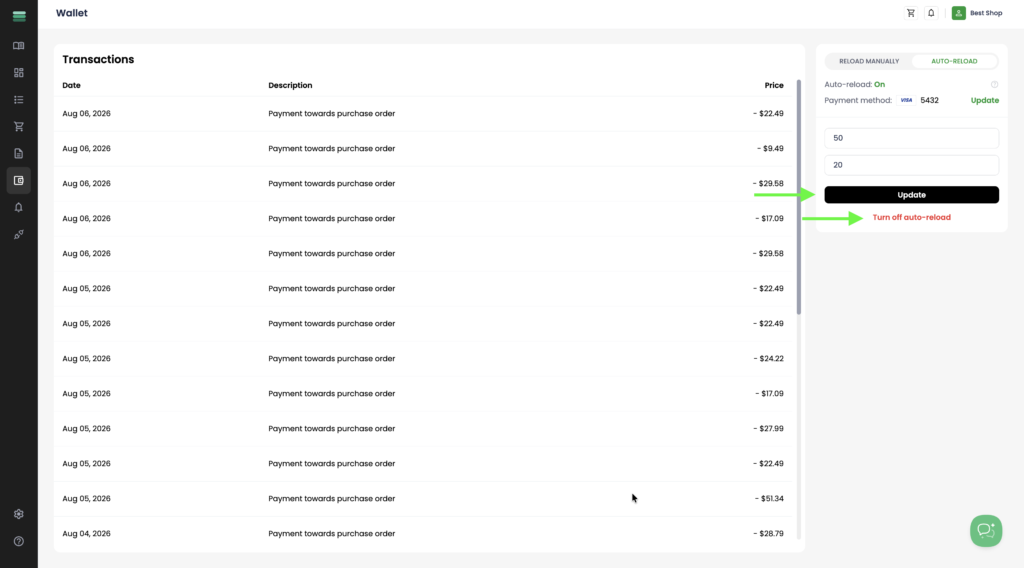
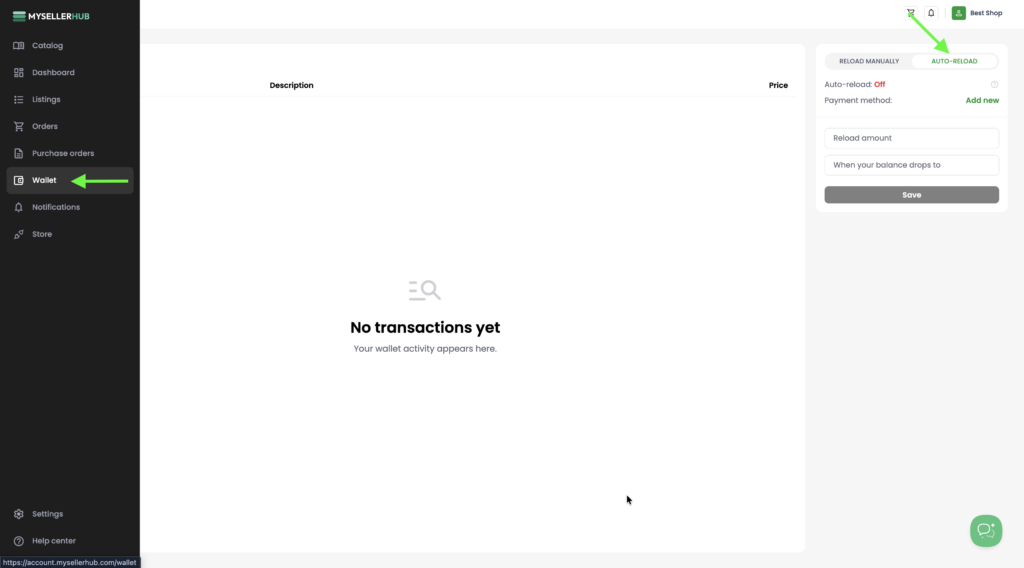
1. Open the Wallet section from the left sidebar and switch to the Auto-reload tab. Here you can configure automatic wallet top-ups, which will ensure you always have enough balance to pay for new orders.
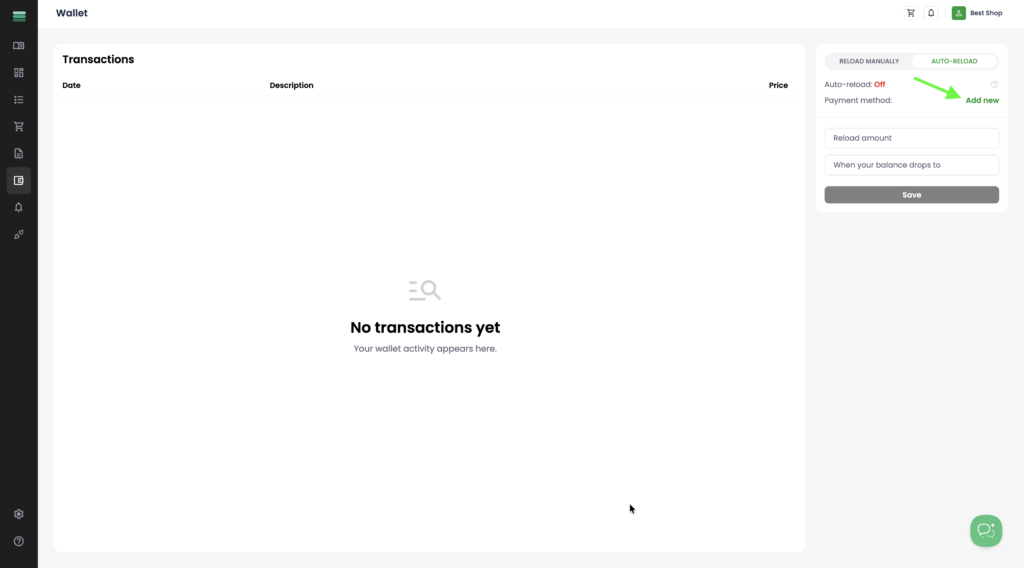
2. Click Add new to add a new payment method. If you have already saved payment methods, you can select one of them instead.
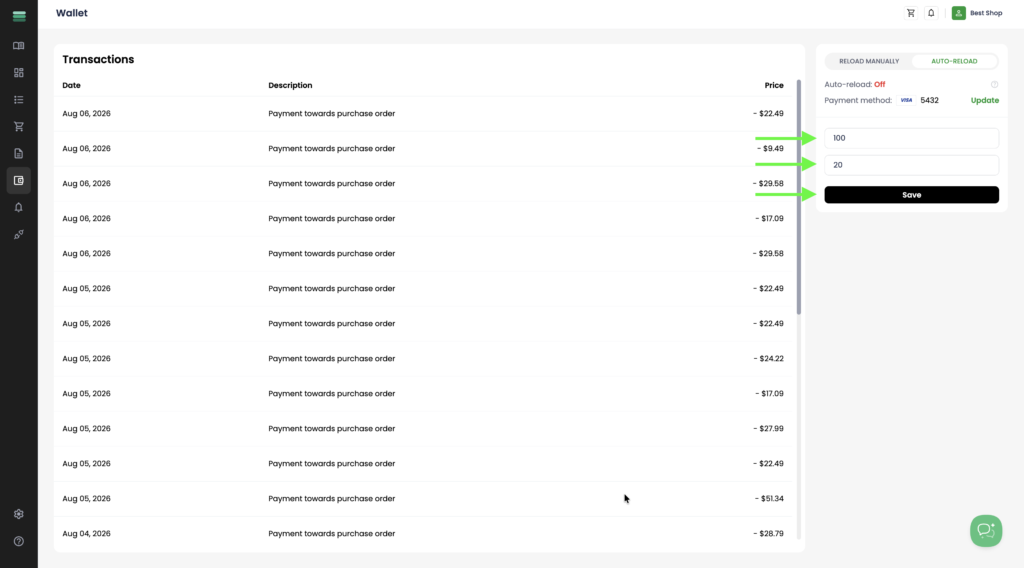
3. Enter the amount you want to automatically add to your wallet in the Reload amount field. Then specify the wallet balance threshold in the When your balance drops to field. Once your balance falls below this value, the selected amount will be automatically charged to your saved payment method. Click Save to enable auto-reload.
4. Auto-reload is now enabled. You can update your auto-reload settings at any time by changing the values and clicking Update, or disable the feature by clicking Turn off auto-reload.