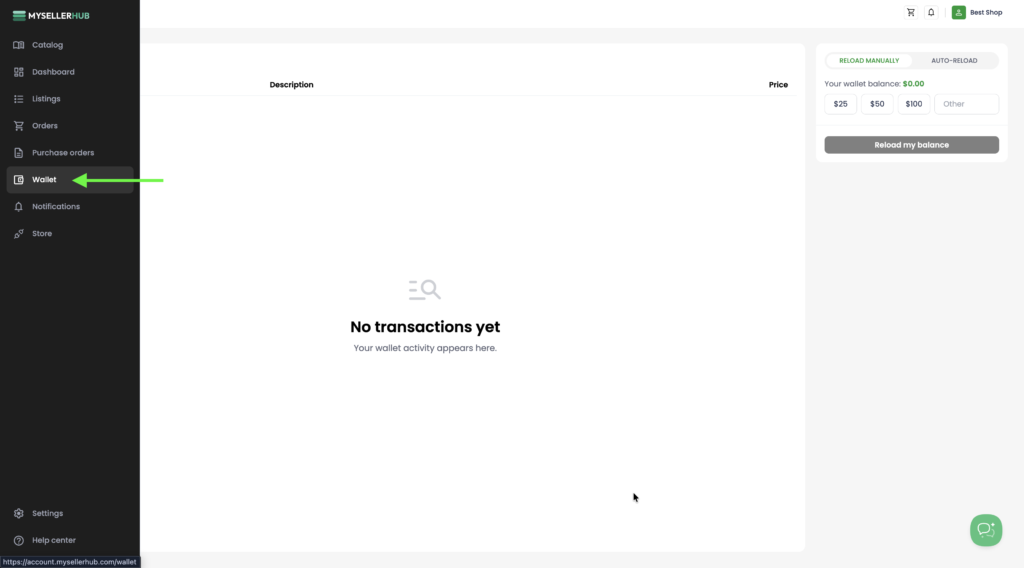
1. Open the Wallet section from the left sidebar. Here you can view your current wallet balance, select a top-up amount, or enter a custom amount before adding funds to your wallet.
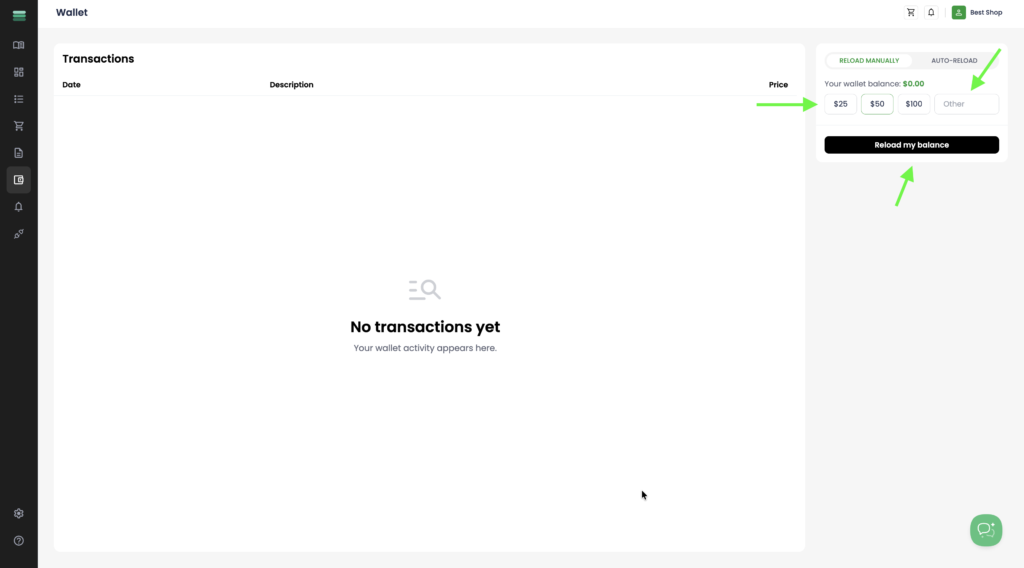
2. Select one of the predefined top-up amounts or enter a custom amount in the Other field. Then click Reload my balance to proceed with the payment.
3. You will be redirected to our secure payment page, where you can complete your payment using your preferred payment method. Once the payment is successfully processed, the funds will be automatically added to your wallet and will be available for future purchases.