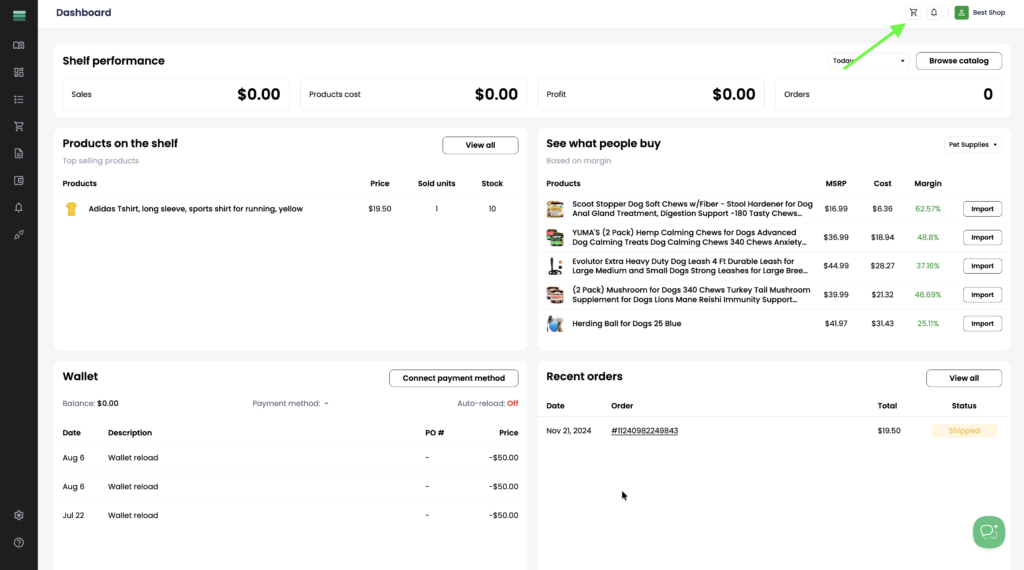
1. When you receive a new order, you’ll see a notification indicator and a pop-up notification. Click the cart icon in the top-right corner to go to Checkout and proceed with the order payment.
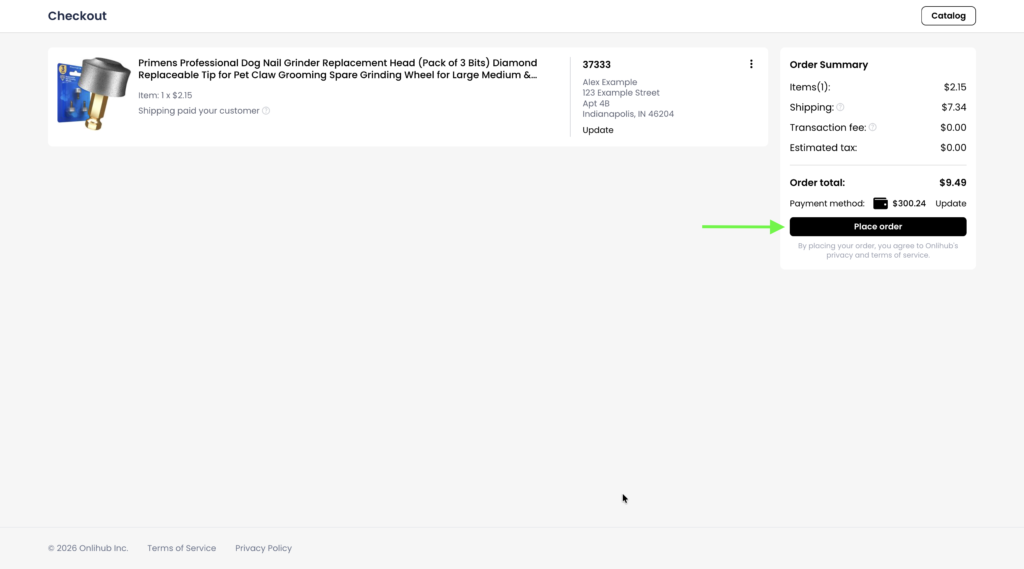
2. Once you are on the checkout page, review the order details and click Place order. The order will be paid using the selected payment method.