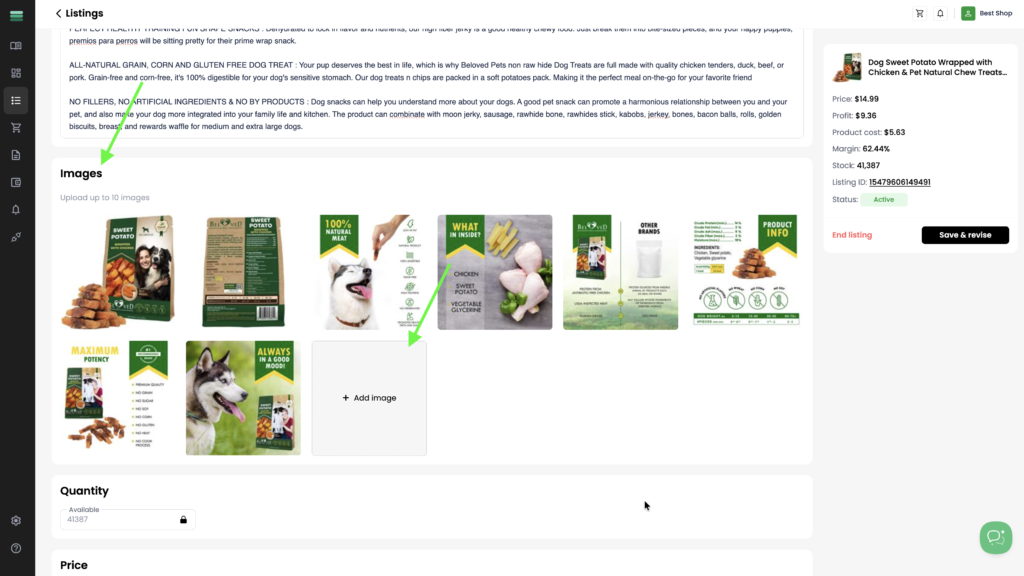
Add an image
1. In the Images section of the listing card, click Add image to upload a new image from your device.
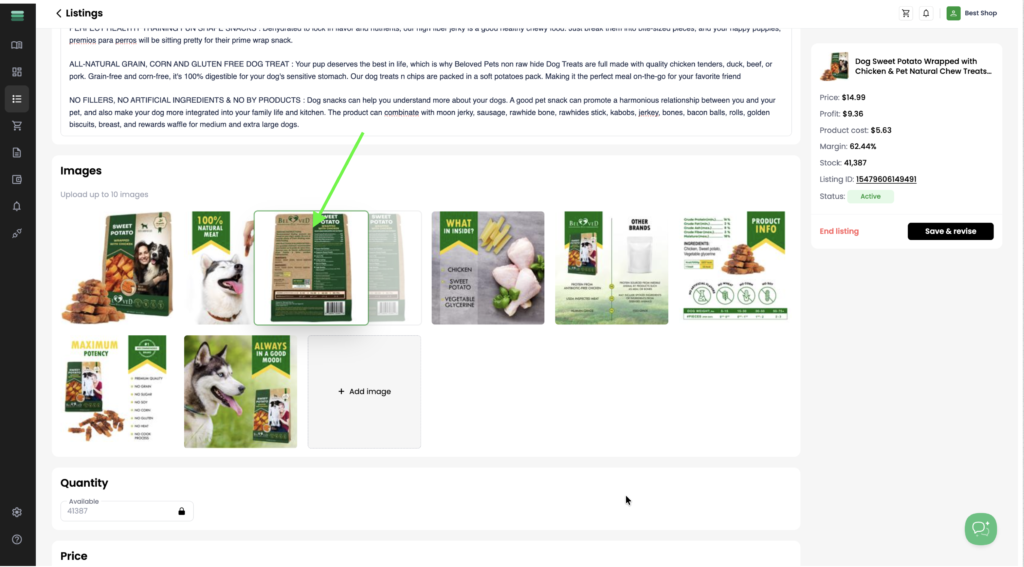
Reorder images
1. To change the order of your images, click and hold the image you want to move, then drag and drop it into the desired position.
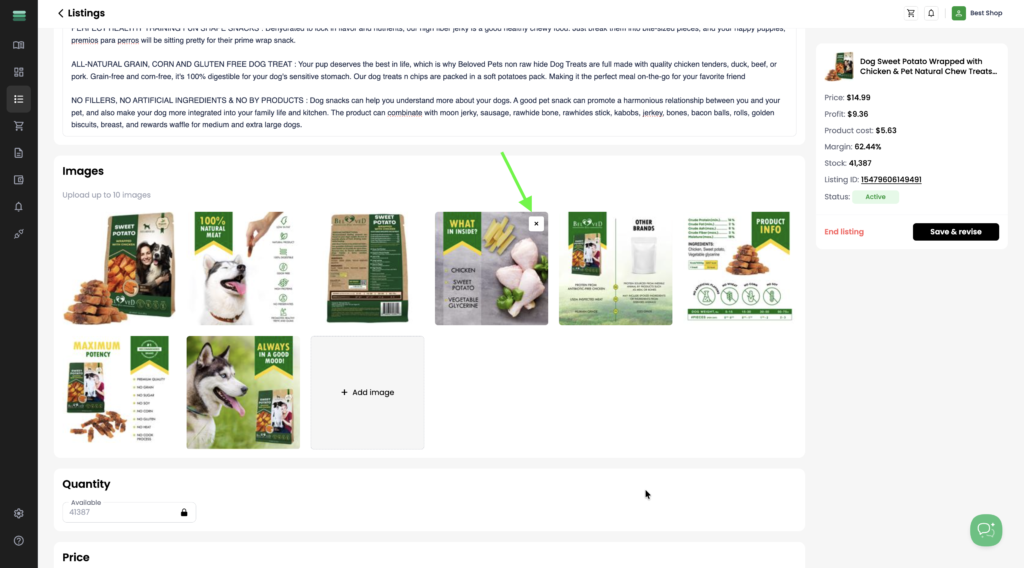
Delete images
1. To remove an image from your listing, hover over the image and click the × icon in the top-right corner.