Introduction:
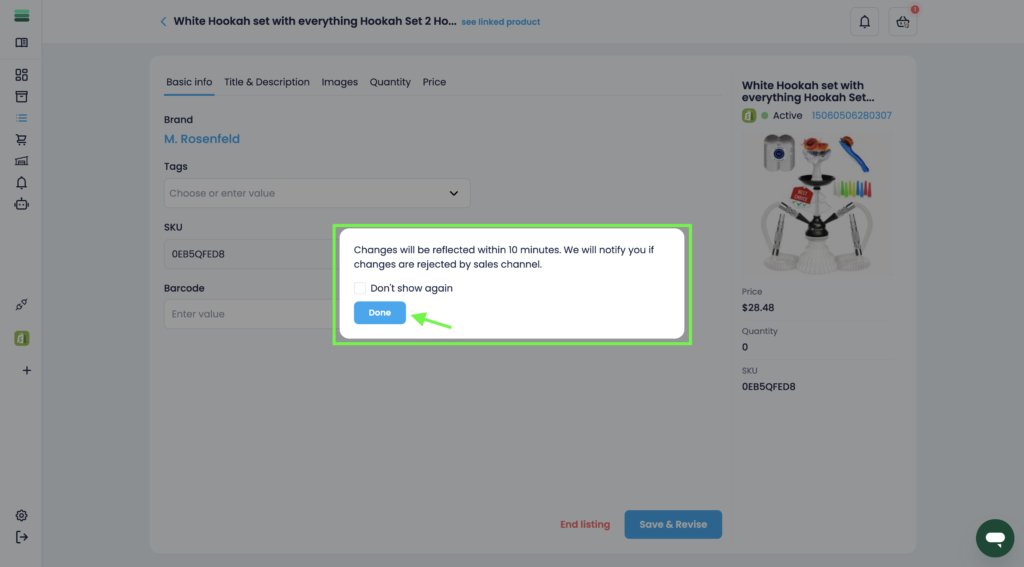
In this article, you will learn how you can update your listing information and publish it without ending the listing.
In this section, you will learn:
- How to update the listing information.
- How to save changes without ending the listing.
Stages of the process:
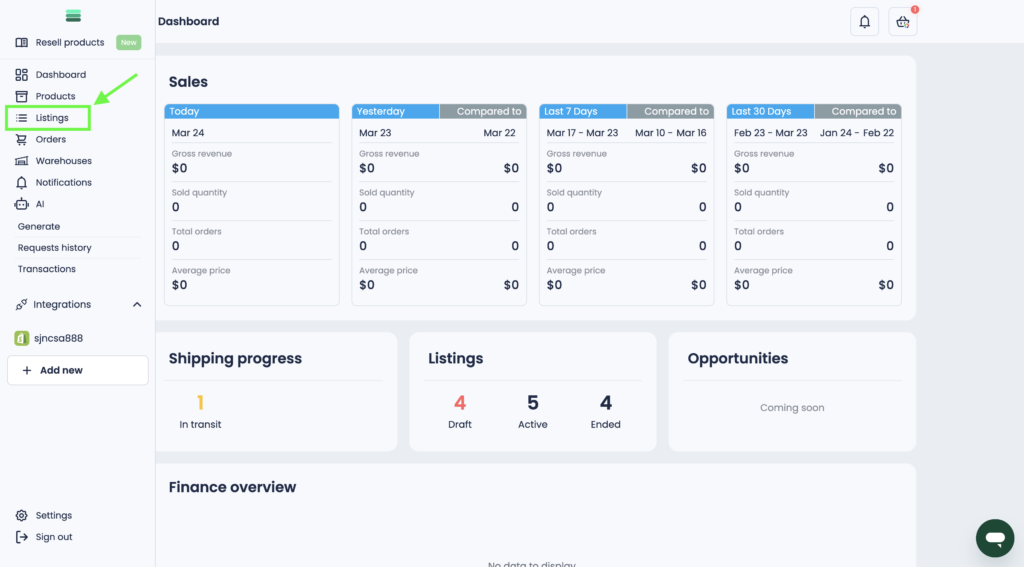
1. Open the side menu and go to the Listings section.
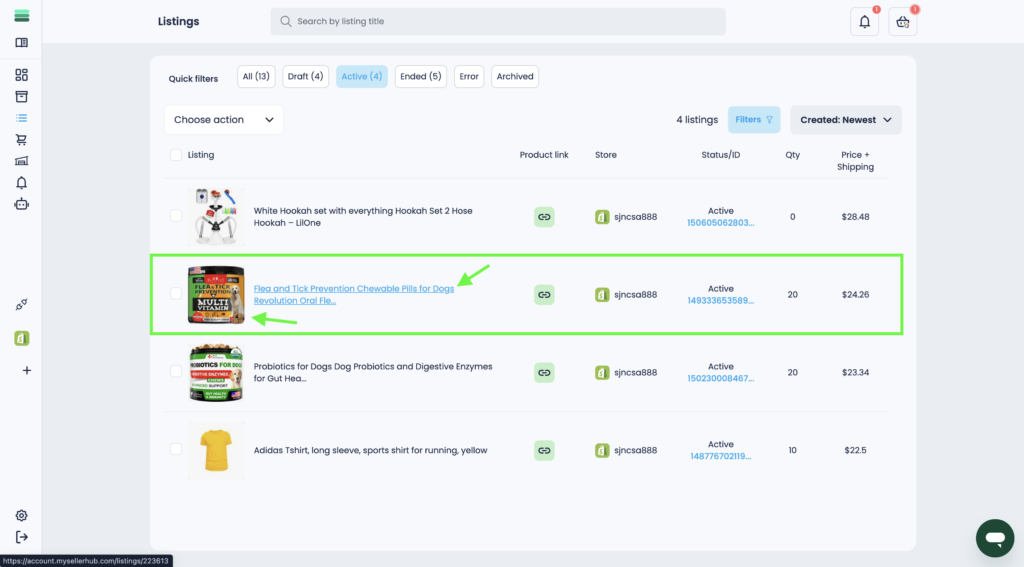
2. Find the desired listing and open the listing card. To do this, click on the photo or title of the listing.
3. Update the information in the required section of the listing card.
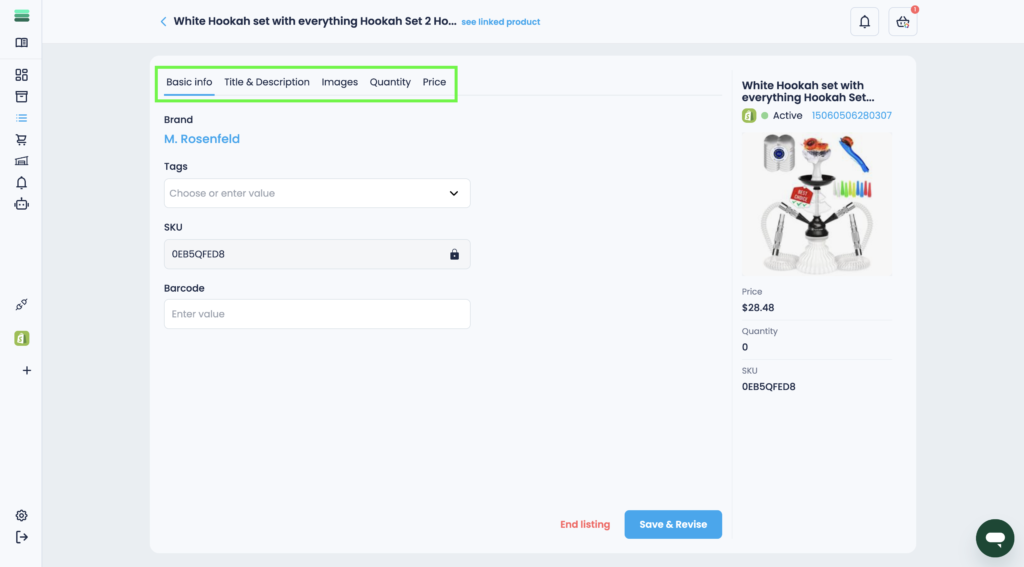
4. To save your changes, click the Save & Revise button.
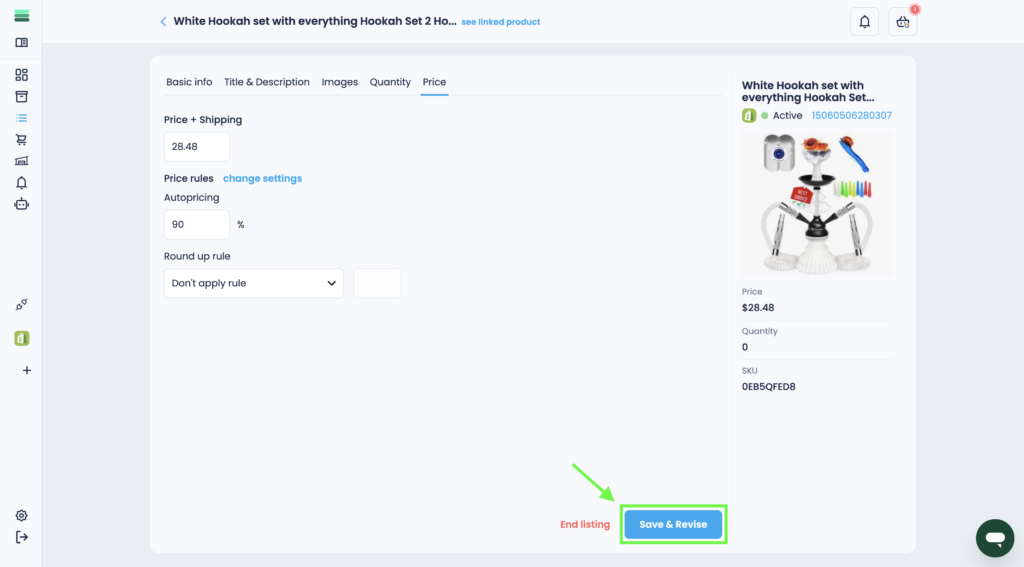
5. In a few minutes, the update will be saved on the listing.