Introduction:
In this article, you will learn how to archive your products.
In this section, you will learn:
- How to archive a product in a product card.
Stages of the process:
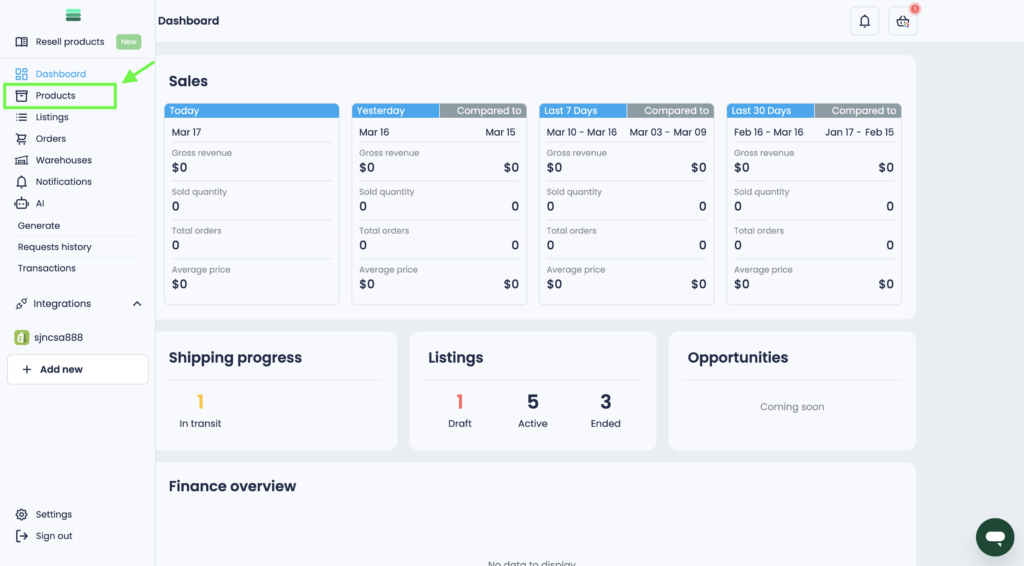
1. Open the side menu and go to the Products section.
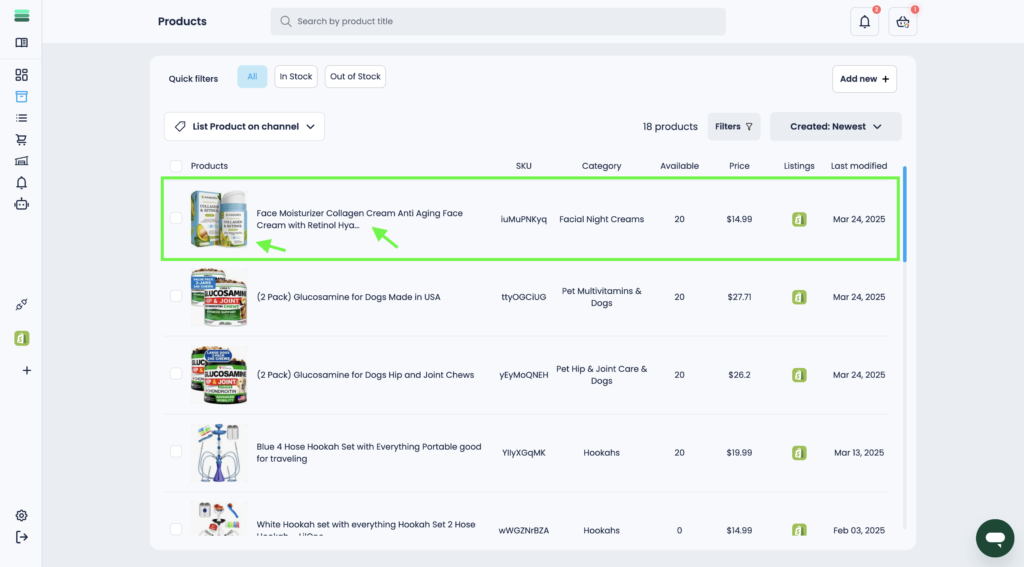
2. Find the product you want to archive and open the product card. To do this, click on the photo or product title.
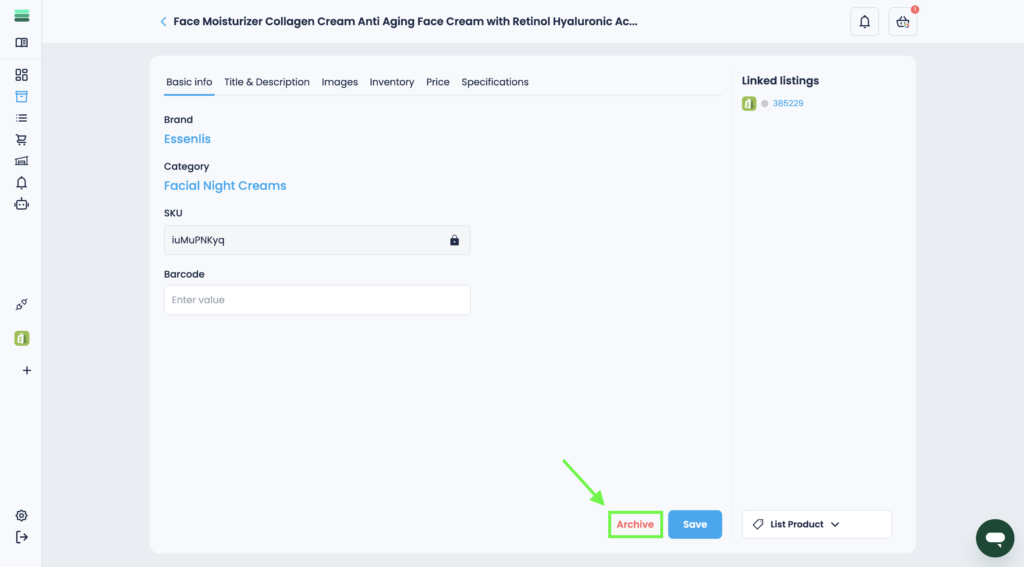
3. To archive a product, click the Archive button in the lower right corner of the product card.