Introduction:
In this step, you will learn how to connect your store to Mysellerhub and sync your products across different sales channels.
In this section, you will learn:
- How to select and connect a store.
- How to complete the store integration process.
Important: At the moment, there are only 2 sales channels: Shopify and eBay. If you need a more detailed integration guide, you can check out the full documentation here.
Stages of the process:
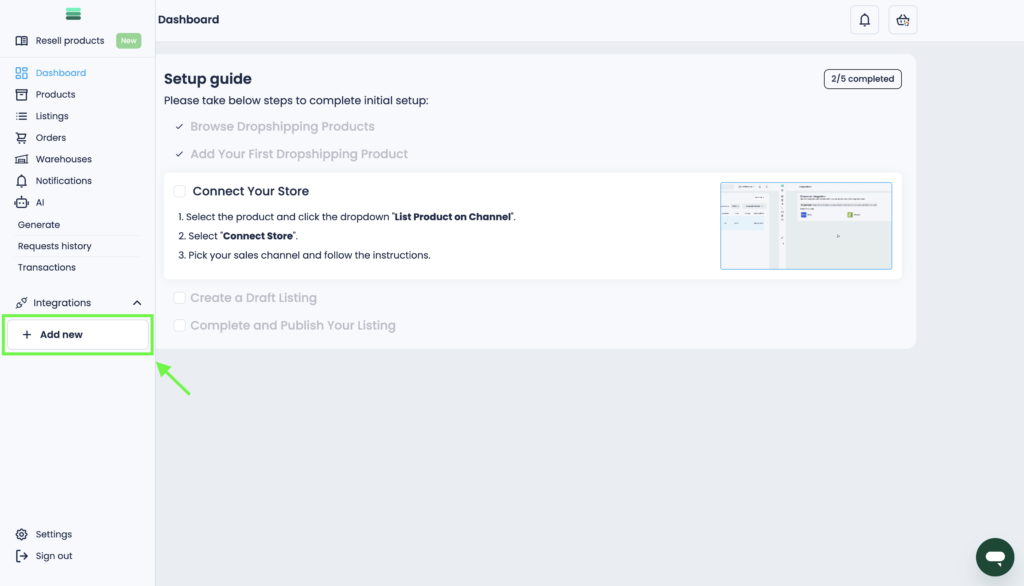
1. Go to the Control Panel and click Add new in the Integrations section.
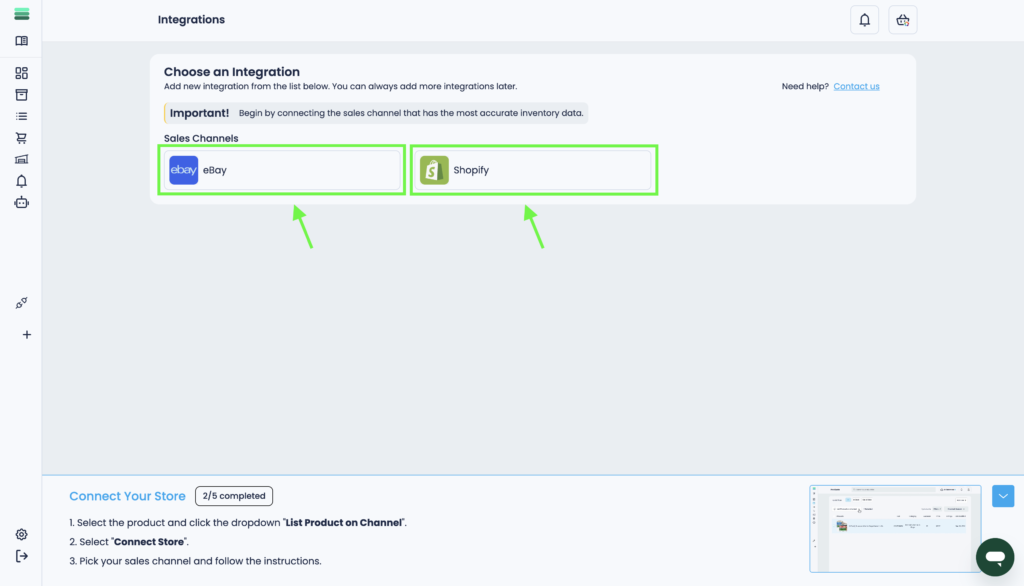
2. Select the desired sales channel (eBay or Shopify) from the available options.
Tip: Learn more about integrations and channel management in the Integrations section.
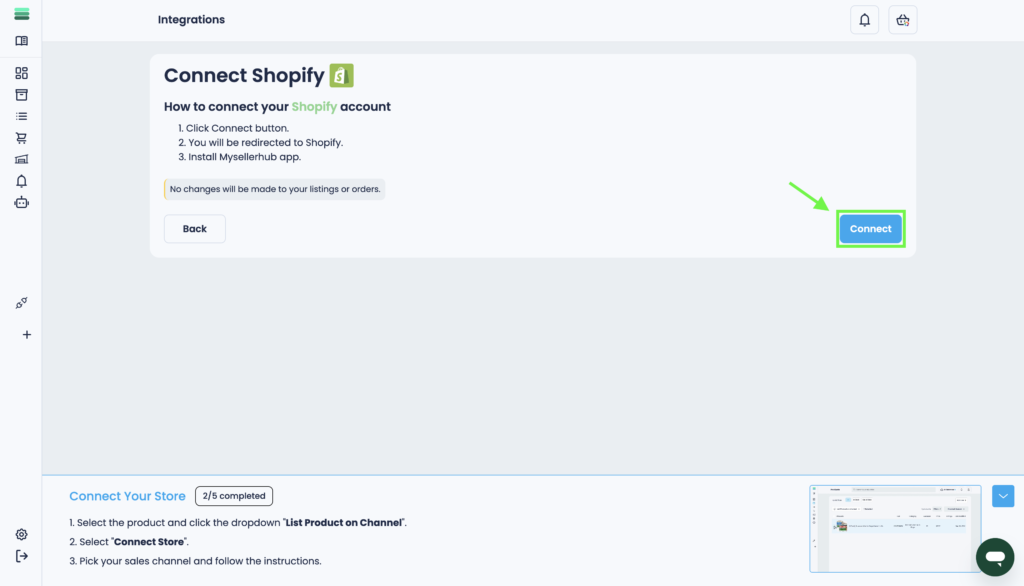
3. Click the“Connect” button on the selected sales channel.
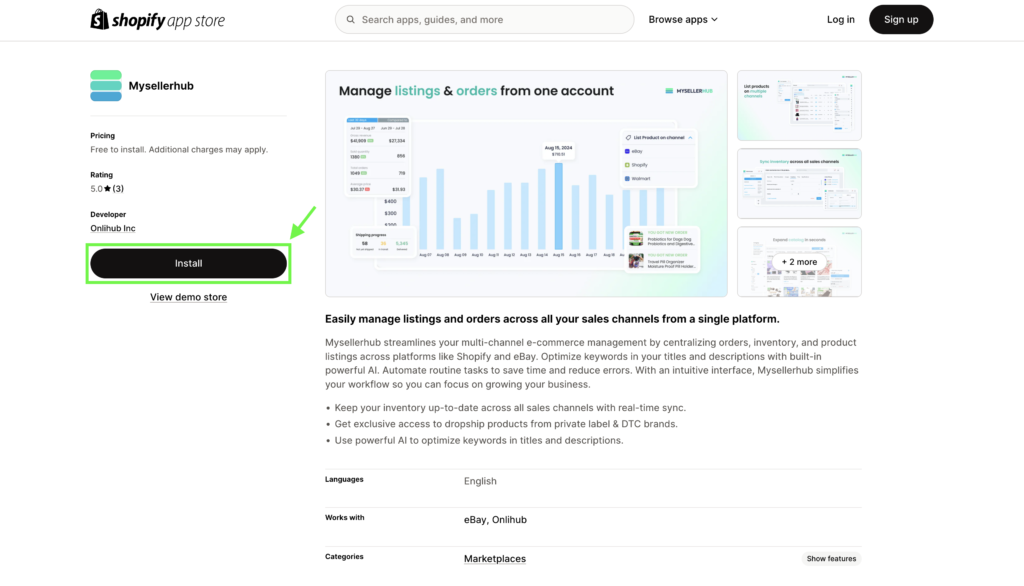
4. You will be redirected to the Shopify or eBay app store. Click “Install” and follow the on-screen instructions to complete the setup.
Final Thoughts:
Congratulations!
Your store is now connected to Mysellerhub. You can now manage your listings, sync inventory, and streamline your sales process.