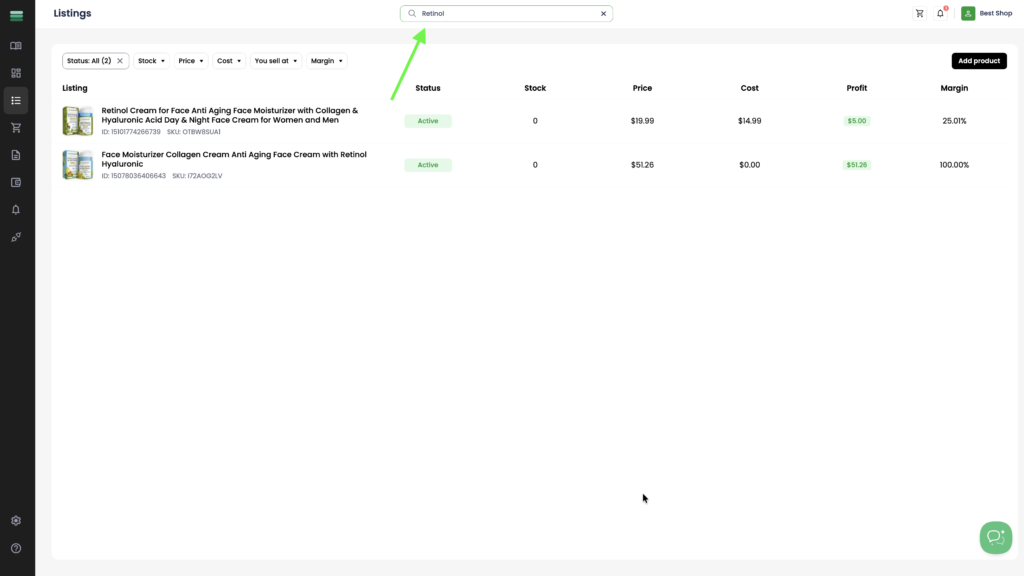
Search field
1. Use the search bar to quickly find a listing by entering its title.
Filters
1. Use the available filters to quickly find the listings you need.
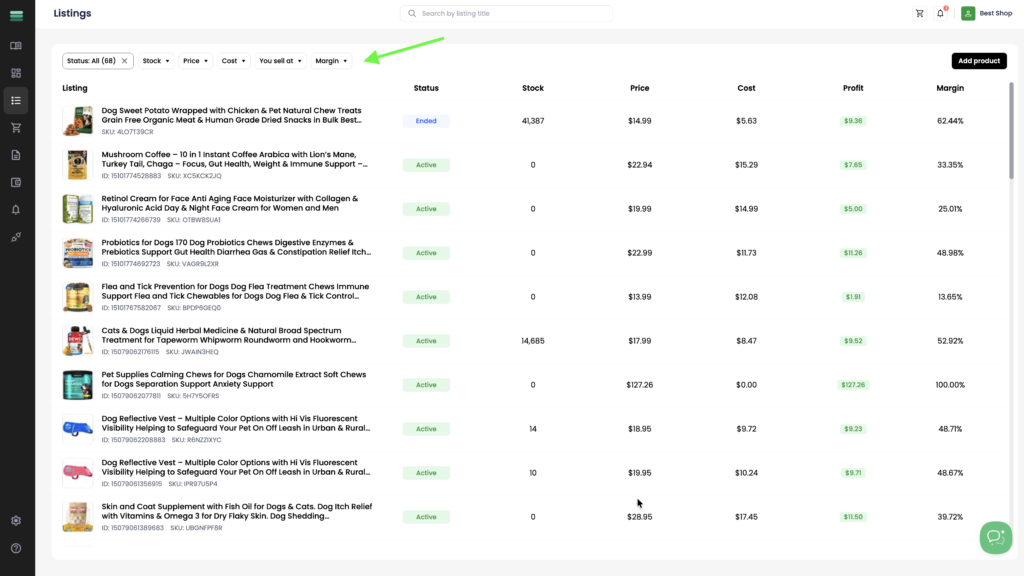
2. You can use the following filters:
- Status – filter listings by their current status, such as Draft, Active, Ended, Publishing, Error, or Archived.
- Stock – show listings within a specific stock quantity range by entering a minimum and maximum value.
- Price – filter listings by sale price using a minimum and maximum value.
- Cost – filter listings by product cost using a minimum and maximum value.
- You sell at – filter listings by entering a minimum and maximum selling price.
- Margin – filter listings by profit margin using a minimum and maximum value.
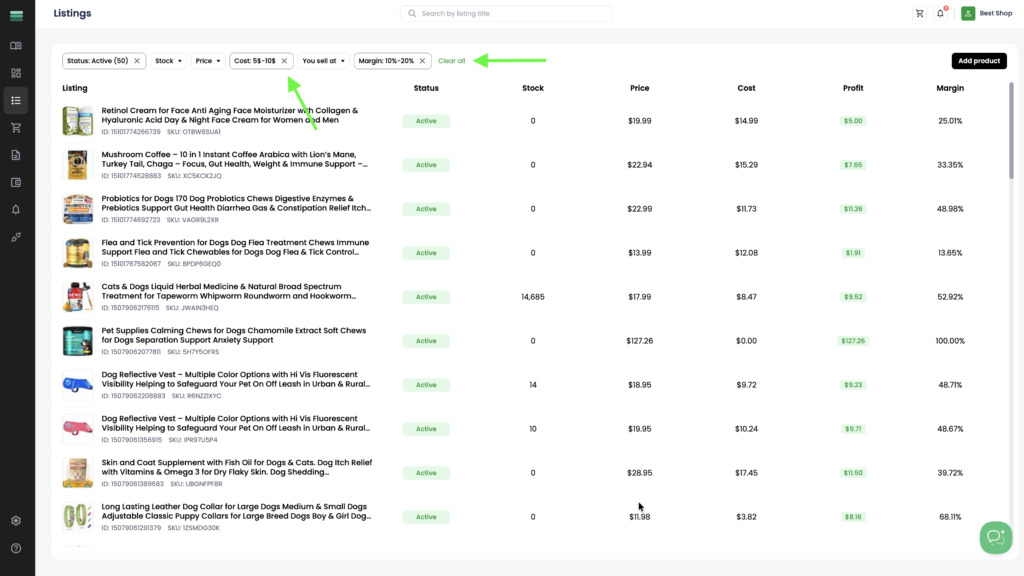
3. After applying filters, you can remove them individually by clicking the × next to a filter, or click Clear all to remove all applied filters at once.