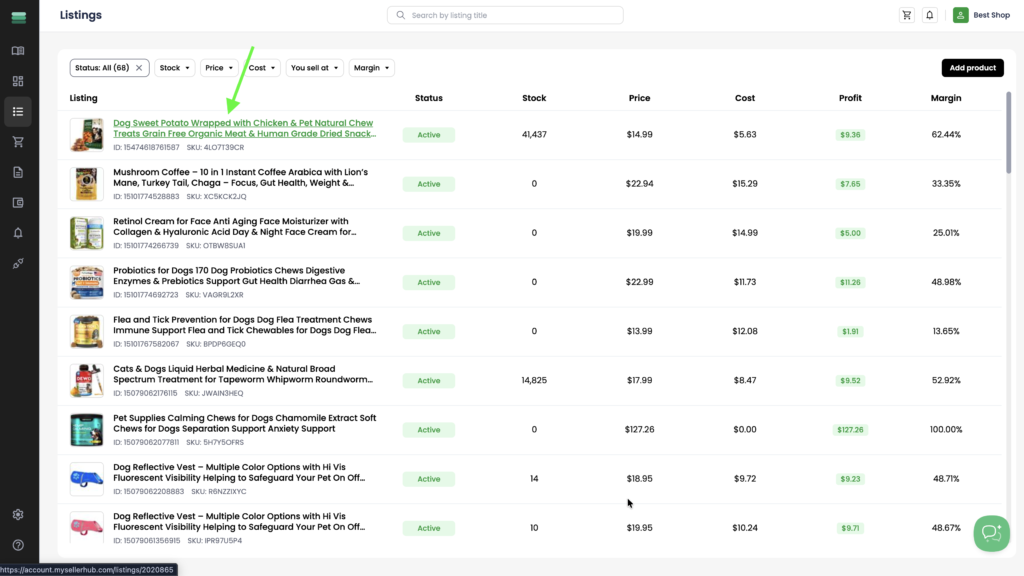
1. Open the listing you want to edit by clicking its title in the Listings section.
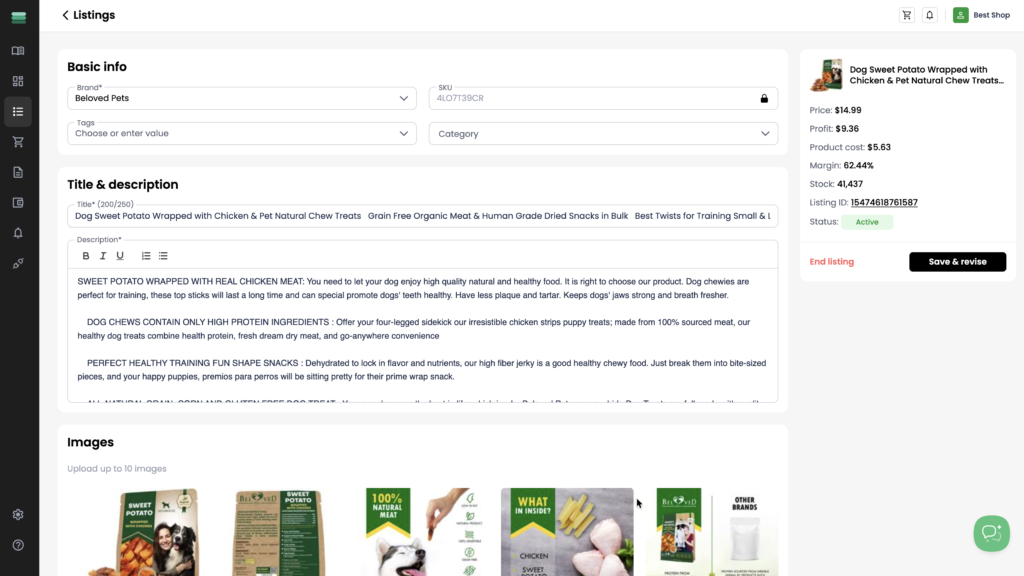
2. After opening the listing, you can edit the following sections:
- Basic info – update the brand, tags, and category. The SKU is locked and cannot be changed.
- Title & description – edit the product title and description.
- Images – add, remove, or reorder product images (up to 10 images).
- Quantity – view the available stock. This field is locked and cannot be edited.
- Price – update the sale price, markup, margin, or profit. All fields in this section are linked, so changing one value automatically recalculates the others.
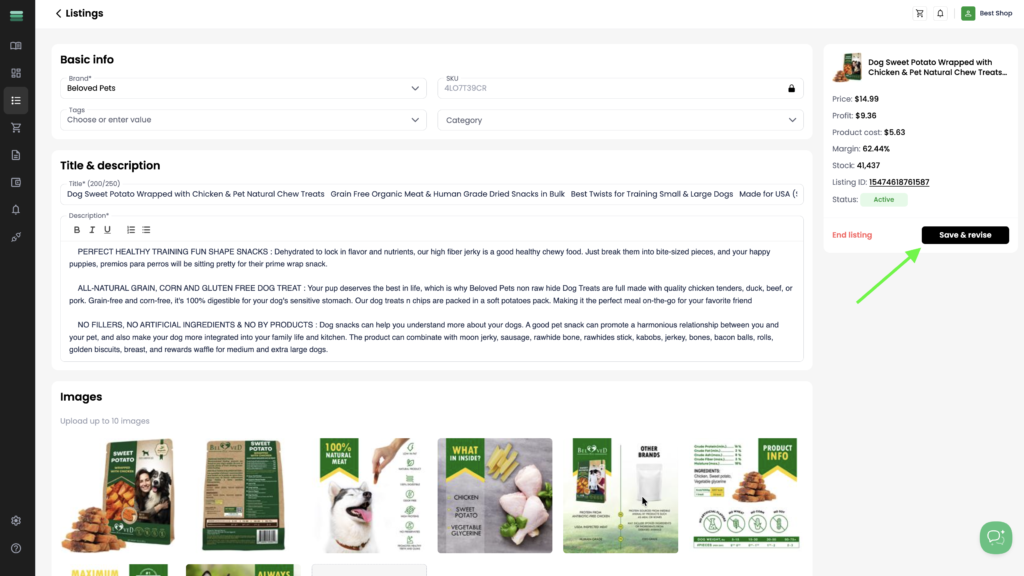
3. After making your changes, click Save & revise to apply and save the updated listing.