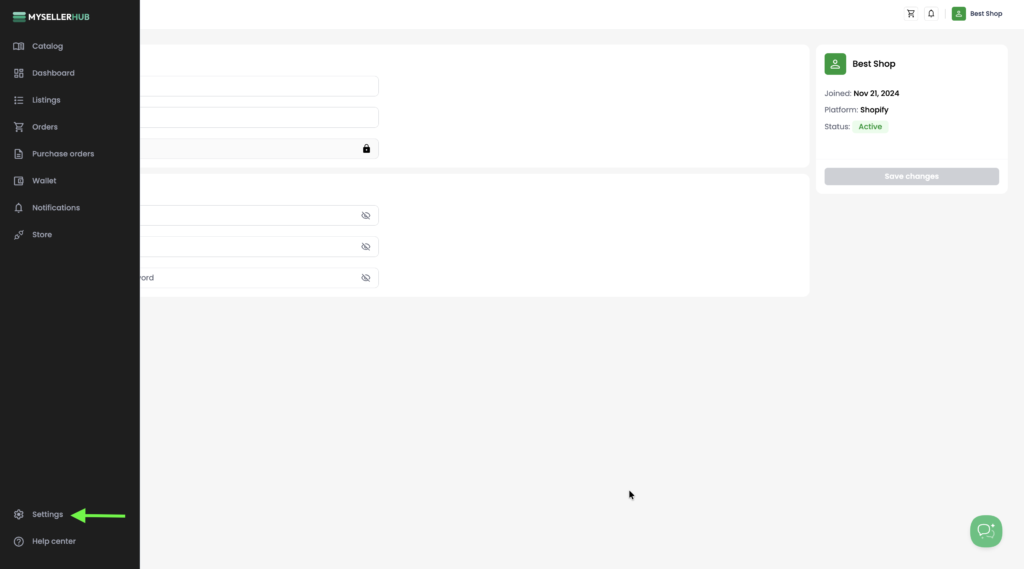
1. Go to the Settings section in the left-hand sidebar.
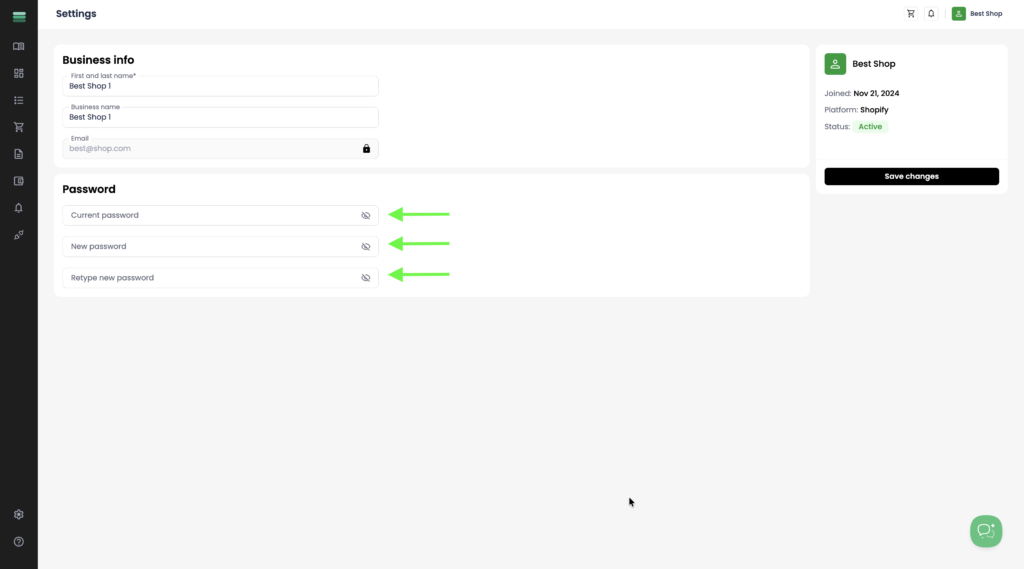
2. Enter your current password, then enter your new password and retype it to confirm.
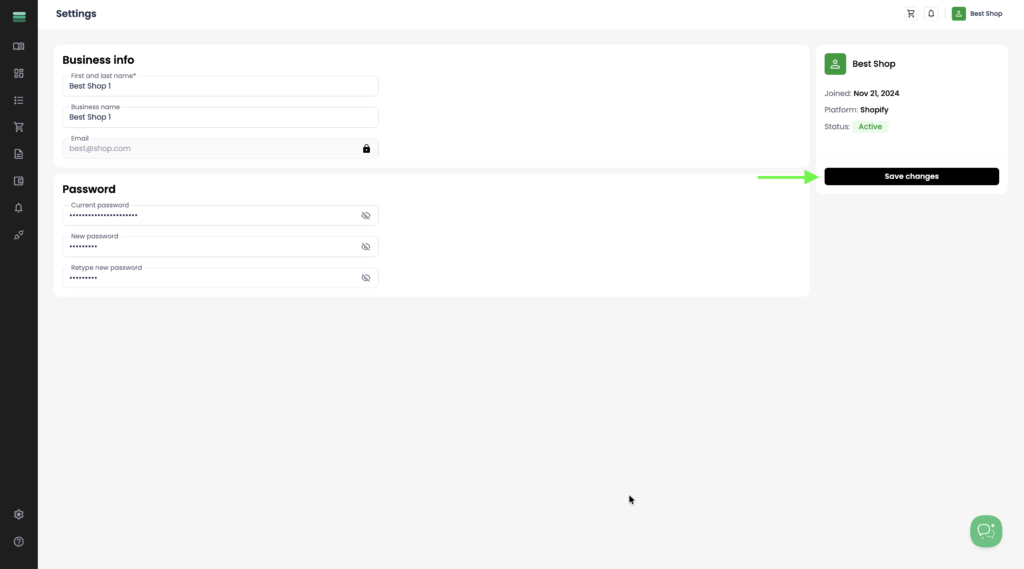
3. After entering your current and new password, click Save changes. Your password will be successfully updated.