Introduction:
In this article, you will learn how to quickly add dropshipping products for sale.
In this section, you will learn:
- Where to look for dropshipping products.
- How to add a product.
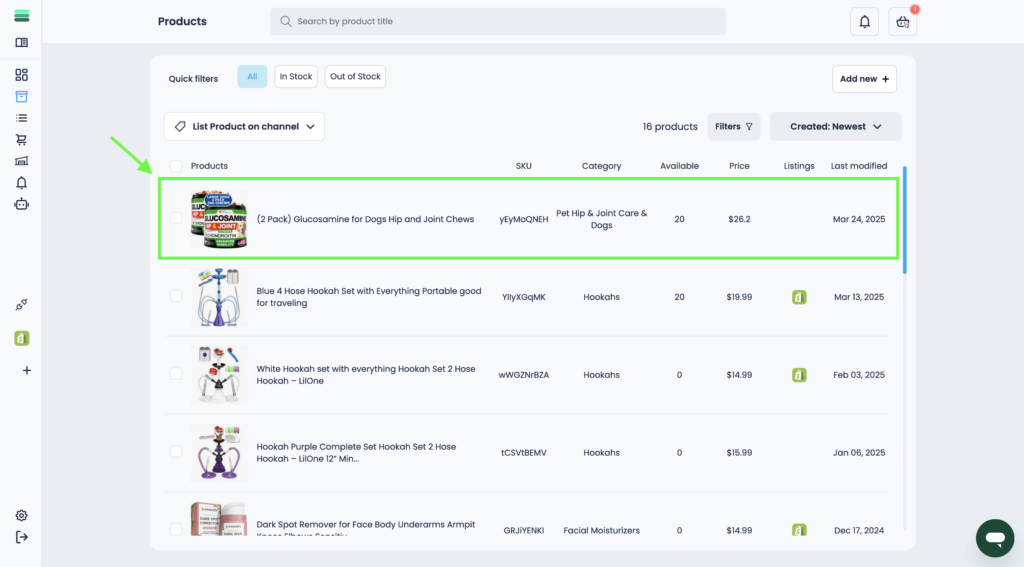
- How to find a product after adding it.
Stages of the process:
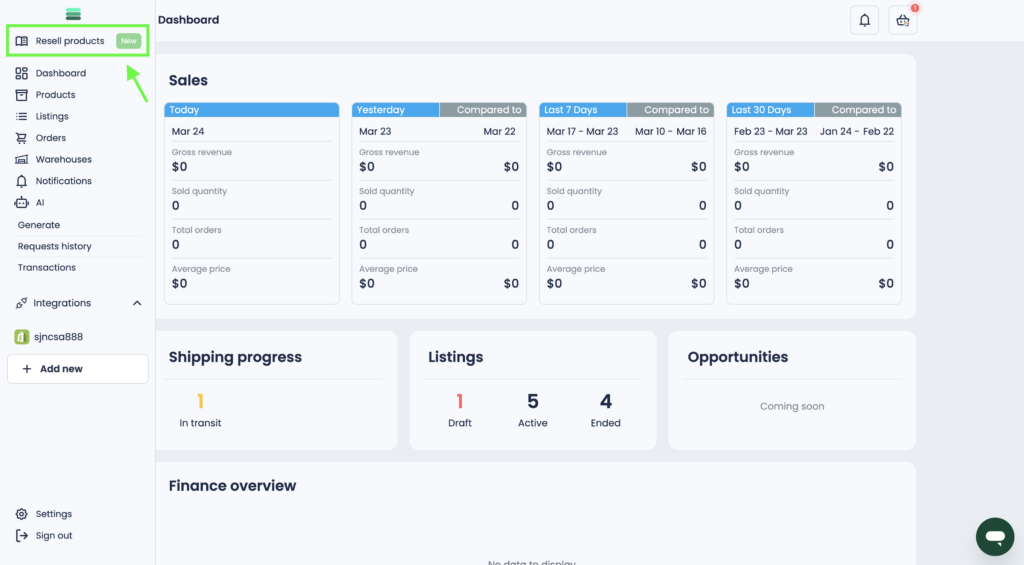
1. Open the side menu and go to the Resell products section.
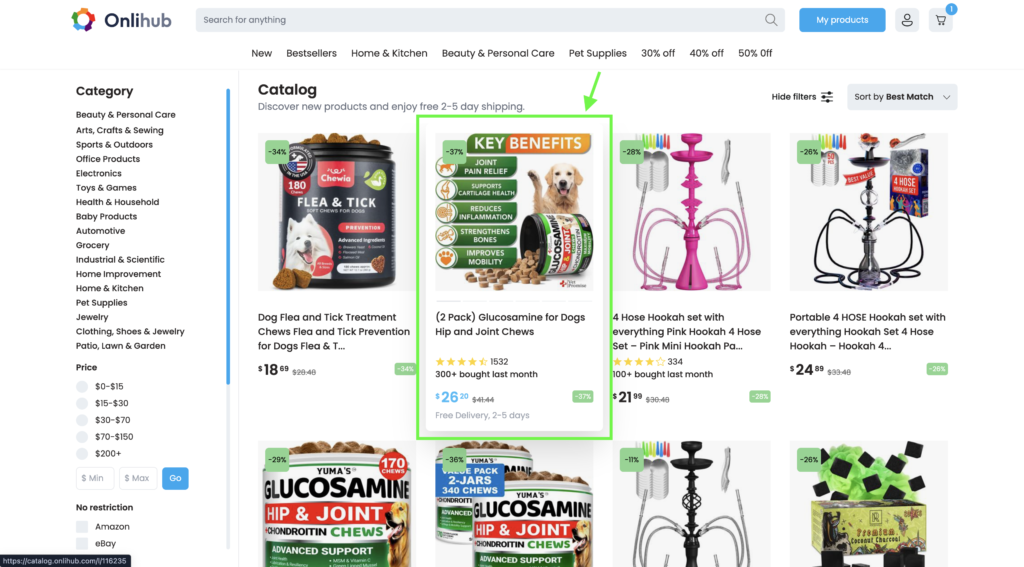
2. When you find the right product for you, go to the product card.
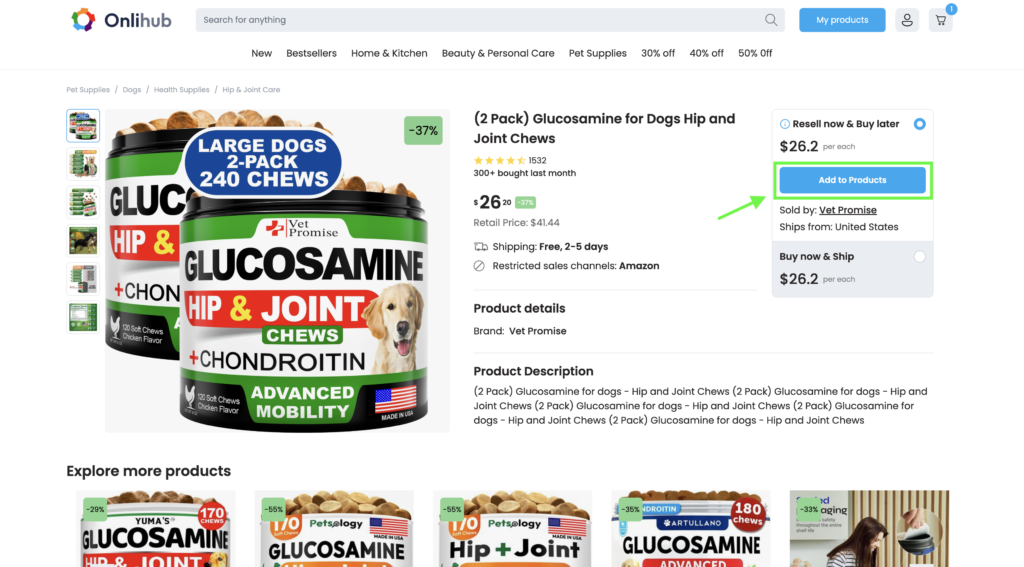
3. To add a product to your product list, click the Add to Products button.
4. To find a product in your account, click on the My products button.
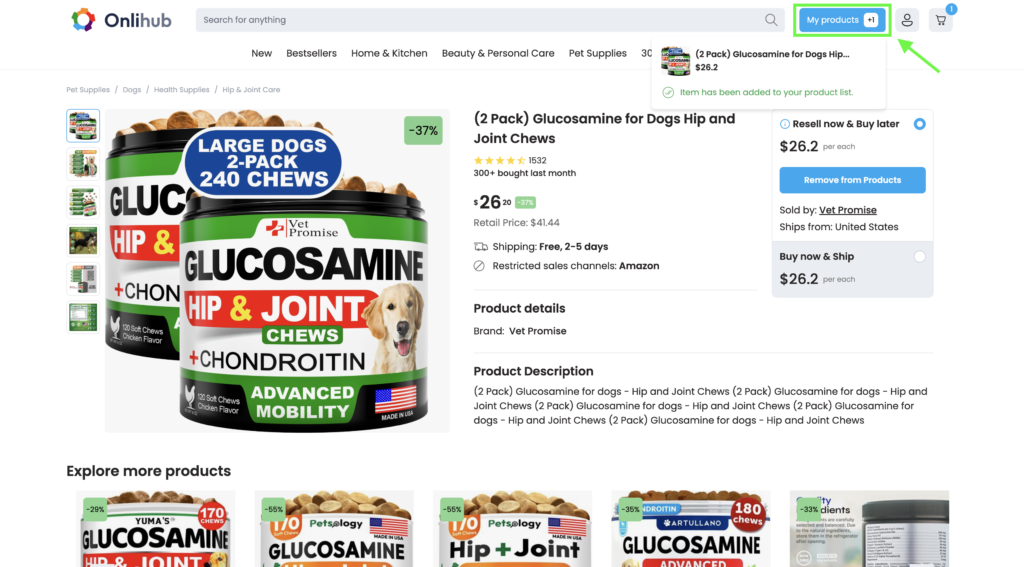
5. In the Products section, you will see the newly added product from the catalog.