Introduction:
In this article, you will learn how to update your first and last name, as well as your company name on Mysellerhub.
In this section, you will learn:
- How to change the First and Last name.
- How to change the Business name.
Stages of the process:
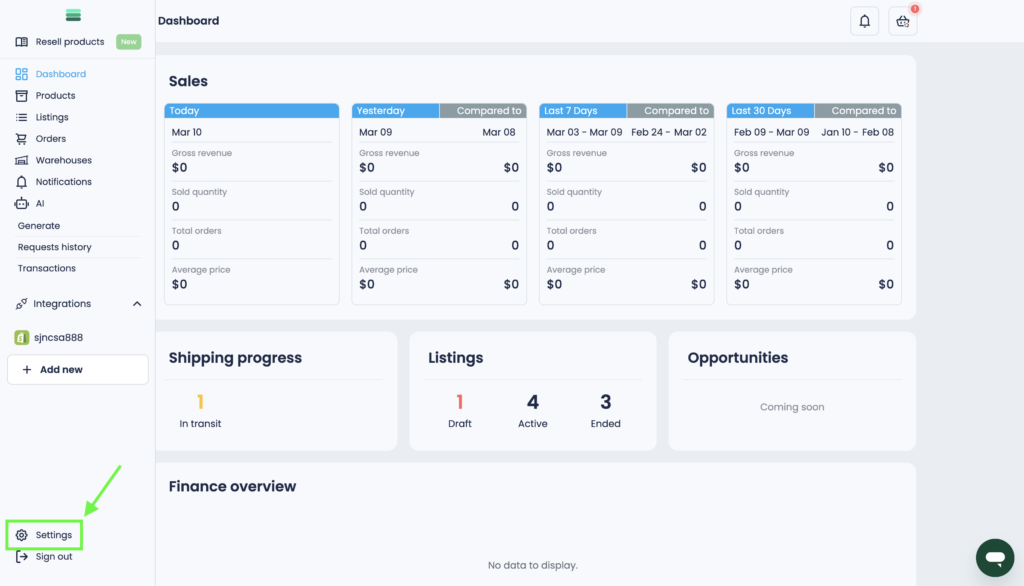
1. Open the side navigation bar and go to the Settings section at the bottom.
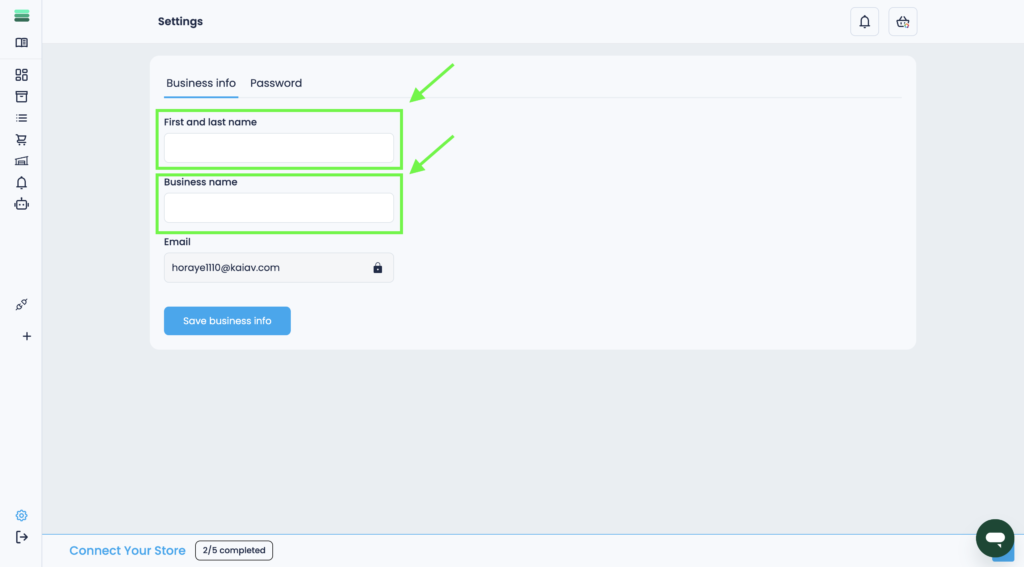
2. In the Business info tab, replace the information in the appropriate fields:
• First and last name.
• Business name.
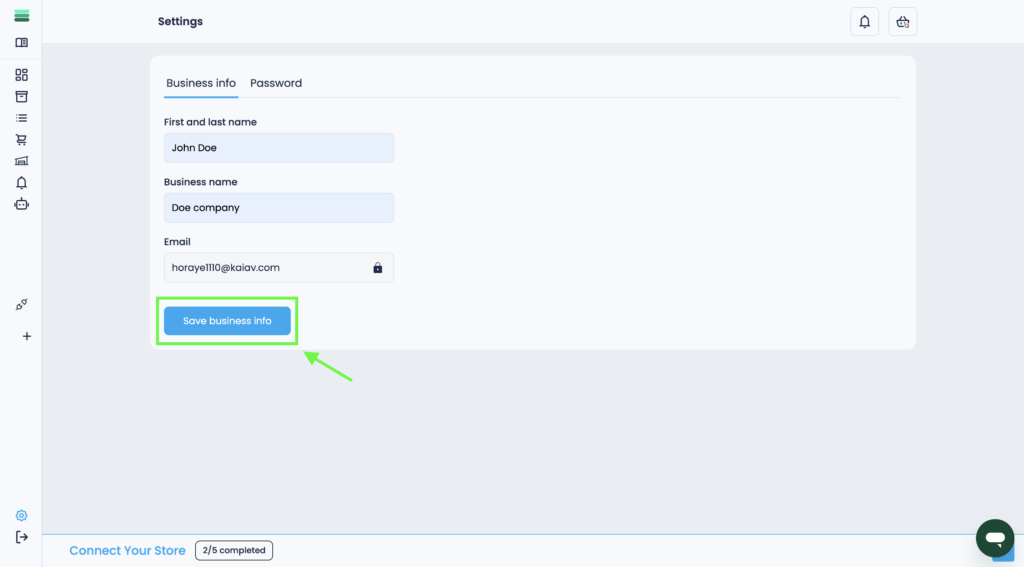
3. Once all fields are filled in, click the Save Business Info button at the bottom of the page to save your changes.
Final Thoughts:
You can update your first and last name and business name in the Settings > Business Info section. Once you enter the new details, click Save business info to apply the changes.