Introduction:
The admin panel in Mysellerhub is your main hub for managing your store, tracking sales, processing orders, and more.
In this section, you will learn:
- What each section of the Admin panel does.
- How to navigate and utilize key features.
- Where to find important store management tools.
Section overview:
1. The Resell Products section allows sellers to find and list products for resale. Clicking on this section redirects you to the Onlihub catalog with a list of products.
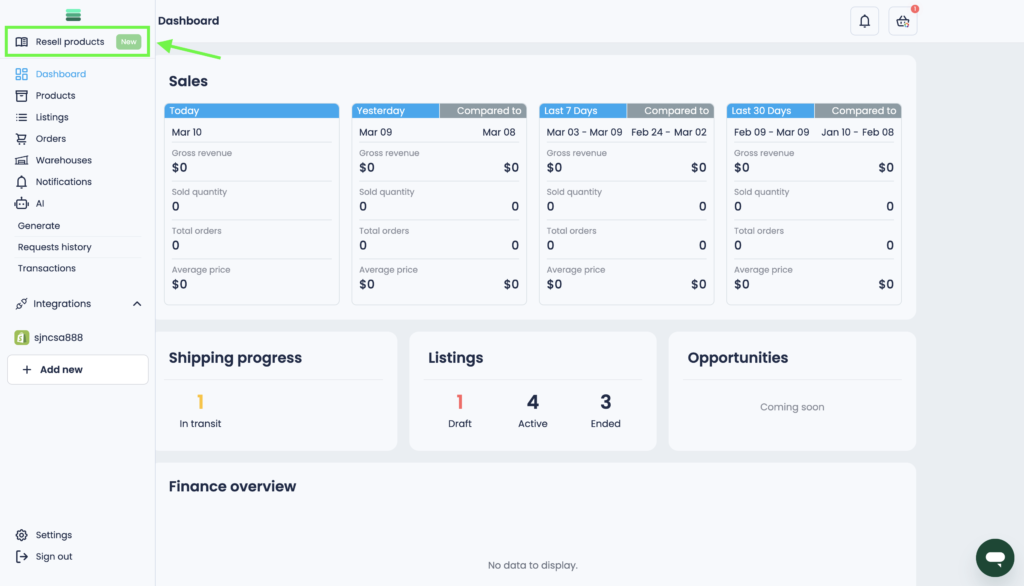
Tip: Learn more about the Onlihub catalog here.
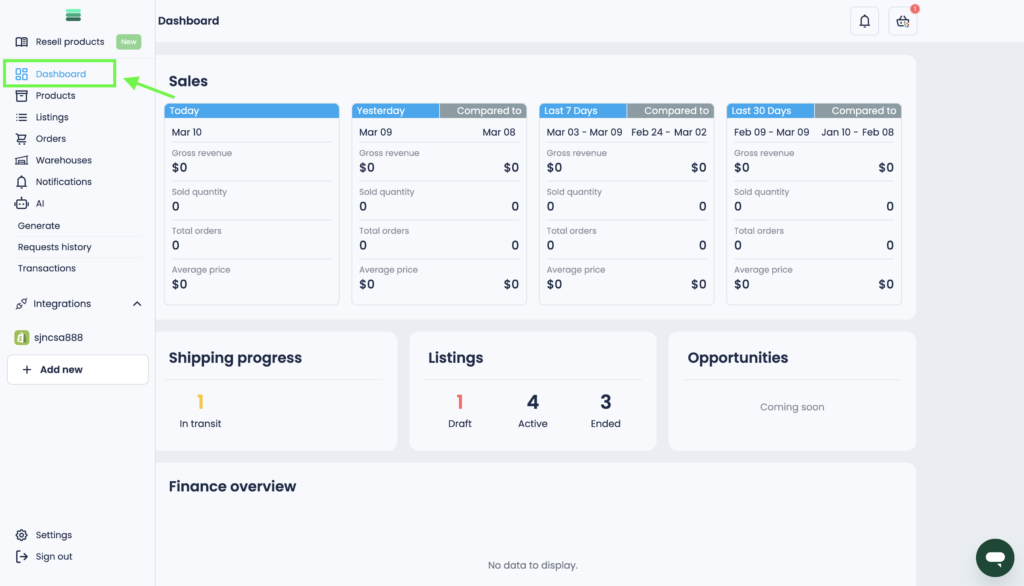
2. The Dashboard provides an overview of your store’s key performance metrics, including sales data, order tracking, and finance summaries.
Key Features:
• Sales: view revenue, total orders, and sales trends over different timeframes.
• Shipping Progress: track order statuses.
• Listings: track the main statuses of your listings.
• Opportunities: view important tasks and updates.
• Finance overview: keep track of your income over time.
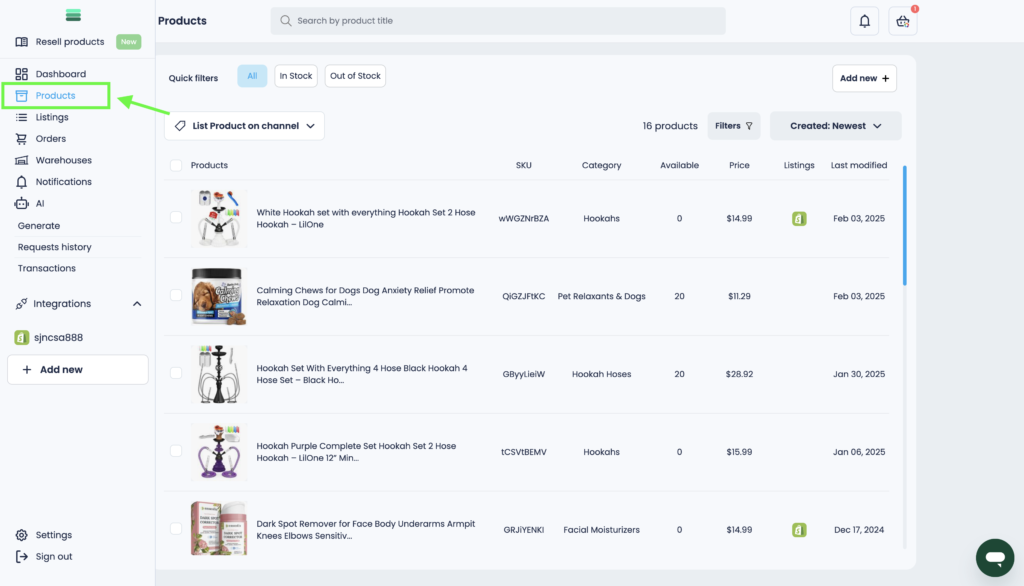
3. In the Products section, you can manage your products and edit the internal details of each product.
Key Features:
• Editing products.
• Create draft listings.
• Adding products.
• Look for products using search and filters.
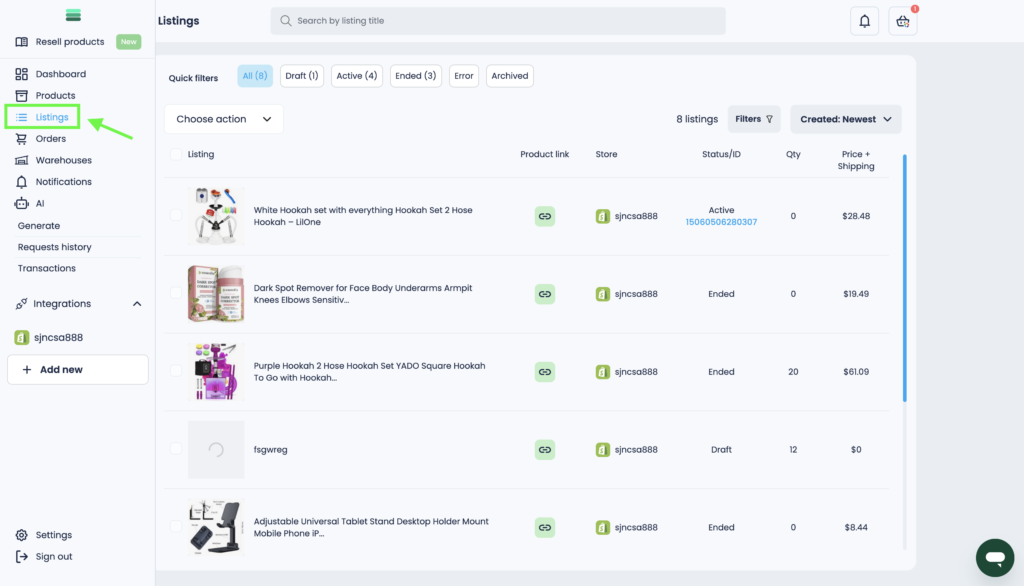
4. The Listings section displays all your listings, including drafts, active, and completed products.
Key Features:
• Publication of listings.
• Editing listings.
• Manage statuses.
• Find listings using filters and search field.
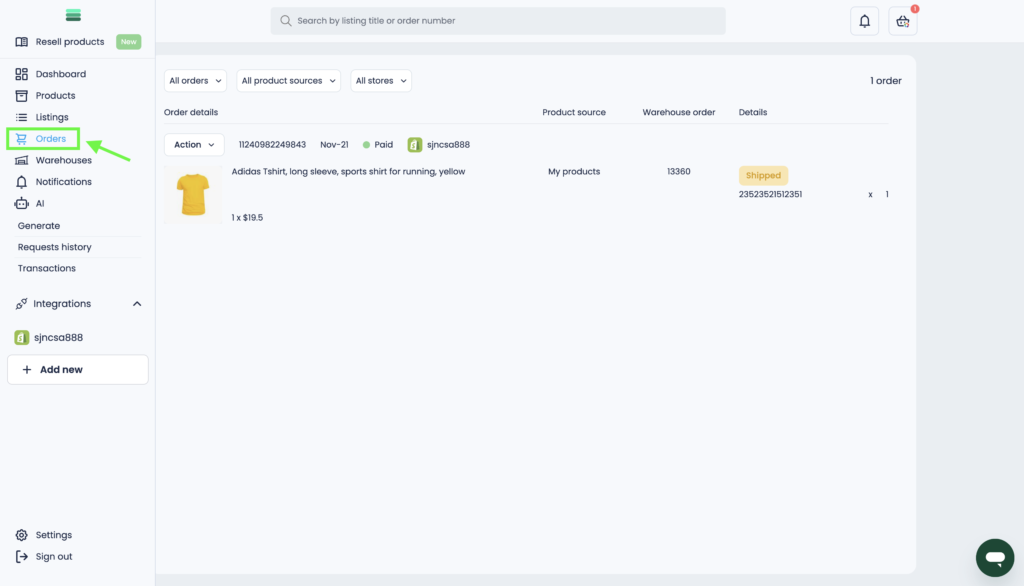
5. The Orders section allows you to track and manage all customer purchases.
Key Features:
• Order tracking.
• Monitor processing, shipped, and delivered orders.
• Manage cancellations & refunds.
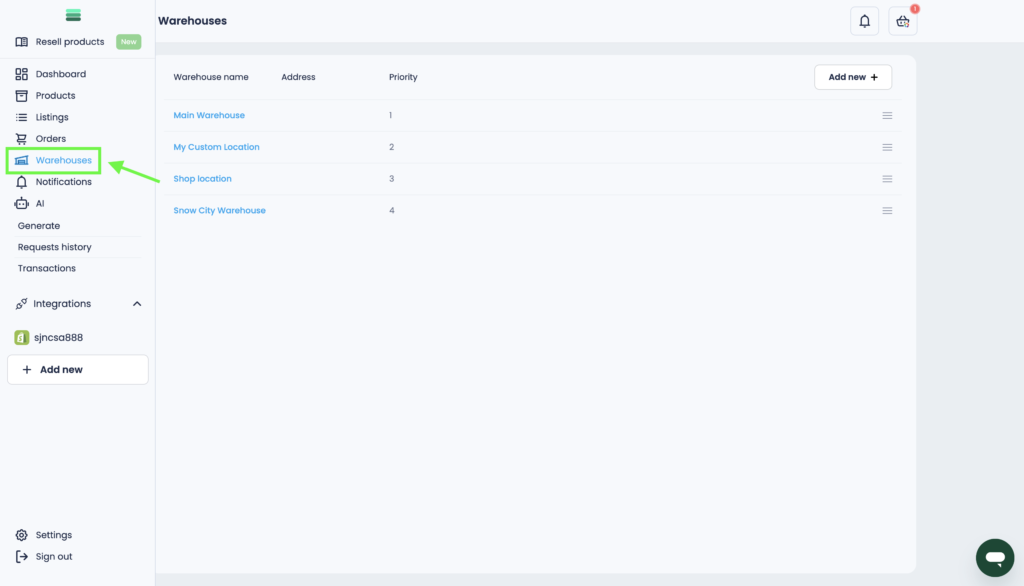
6. In the Warehouses section, you can set up and manage storage locations, track inventory levels, and organize stock distribution.
Key Features:
• Create warehouses.
• Manage storage locations.
• Organize stock distribution.
• Edit warehouse details.
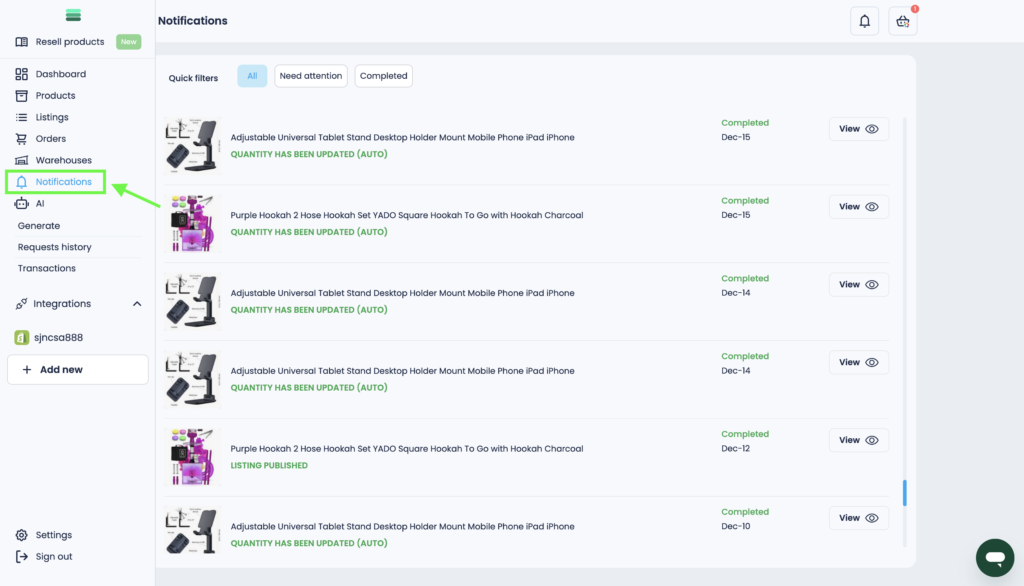
7. The Notifications section displays system notifications related to order updates, system alerts, and other important messages.
Key Features:
• Receive order updates.
• Get system alerts.
• Quickly find important notifications.
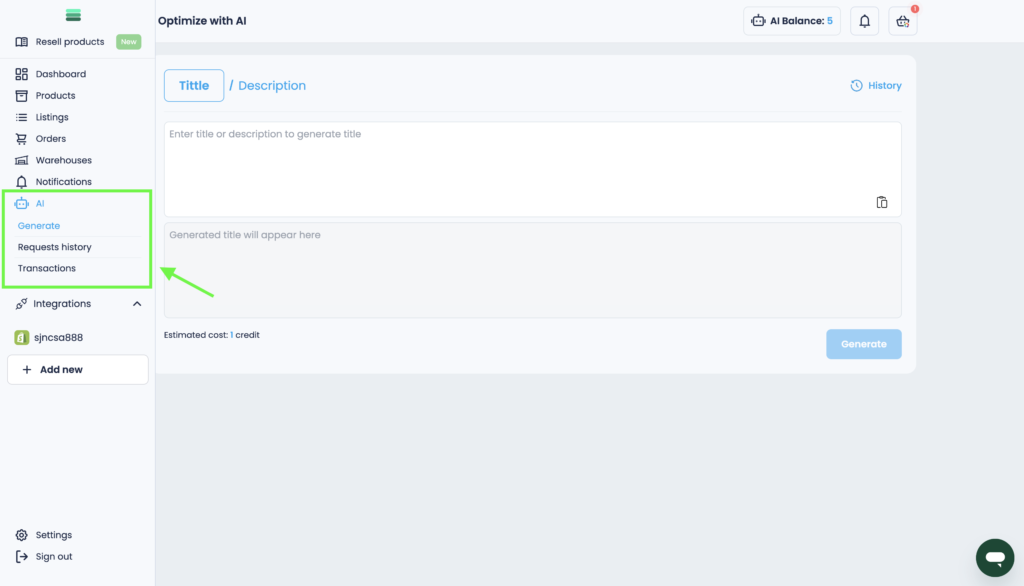
8. In the AI section, you can optimize listing titles and descriptions, generate highlights for your images, and improve the visibility of your products.
Key Features:
• Generate product titles.
• Generate product descriptions.
• Enhance product images.
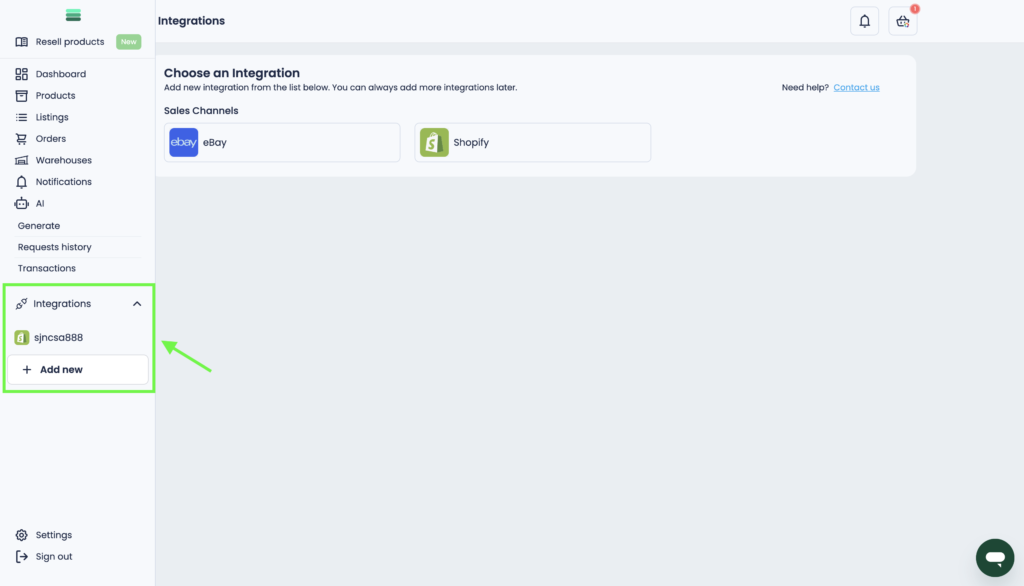
9. The Integrations section allows you to connect and manage third-party e-commerce platforms. You can integrate your eBay and Shopify stores, syncing inventory, orders, and listings for seamless selling across multiple platforms.
Key Features:
• Connecting an e-commerce platform.
• Manage linked accounts.
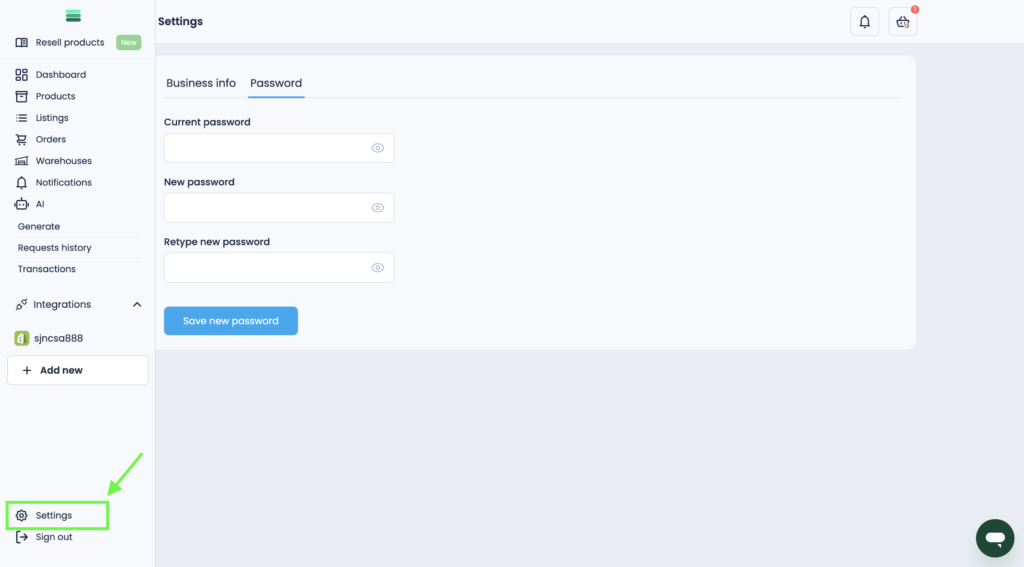
10. In the Settings section, you can manage your account and security.
Key Features:
• Update business information.
• Manage account security.
Final Thoughts
You now have a complete overview of the Mysellerhub admin panel. Understanding these features will help you run your store more effectively.