Introduction:
In this step, you will learn how to create a draft listing for your product. This allows you to prepare the product details before publishing it on your sales channel.
In this section, you will learn:
- How to select a product for listing.
- How to create a draft listing?
Stages of the process:
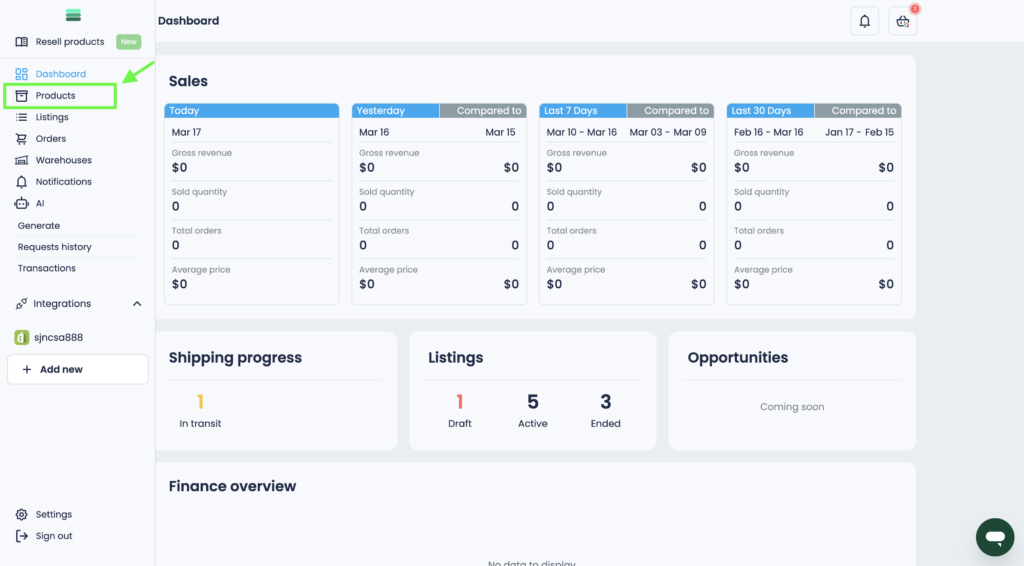
1. Go to the Products section in the sidebar menu.
2. Select the product you want to list by checking the box next to it.
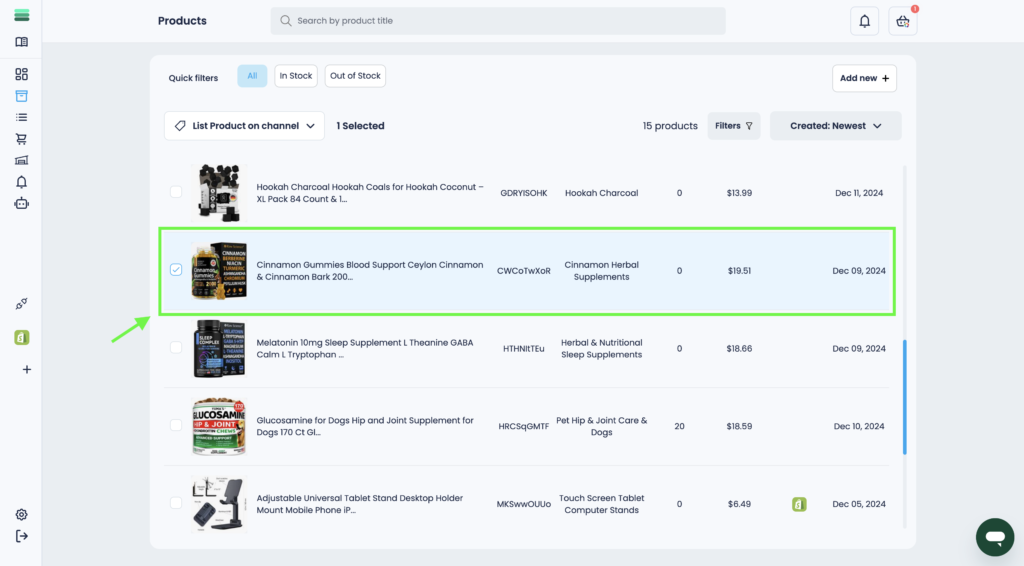
Tip: You can select several products at once and create draft listings for them at the same time.
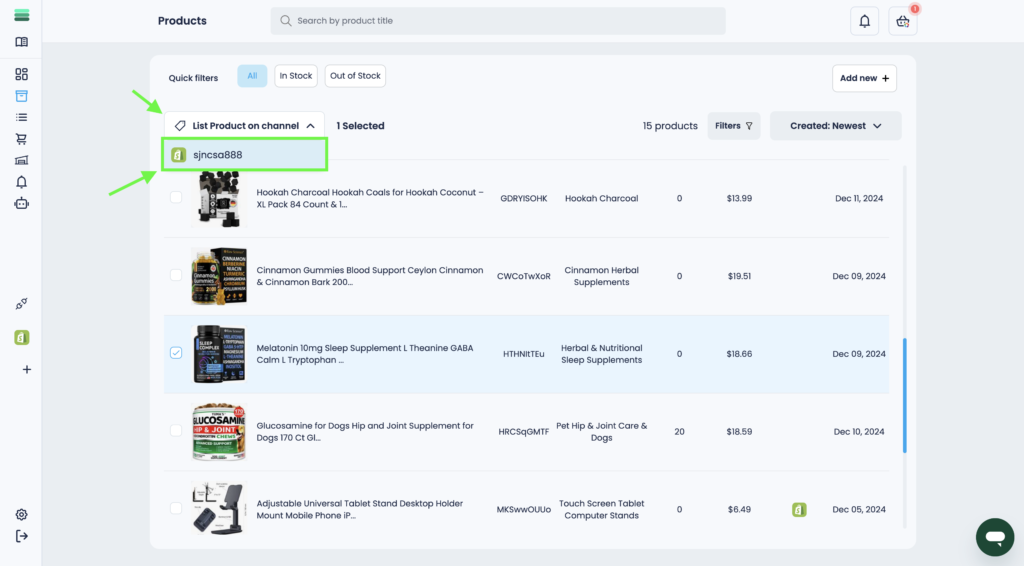
3. Click on the List Product on Channel dropdown, then select the store where you want to publish the listing.
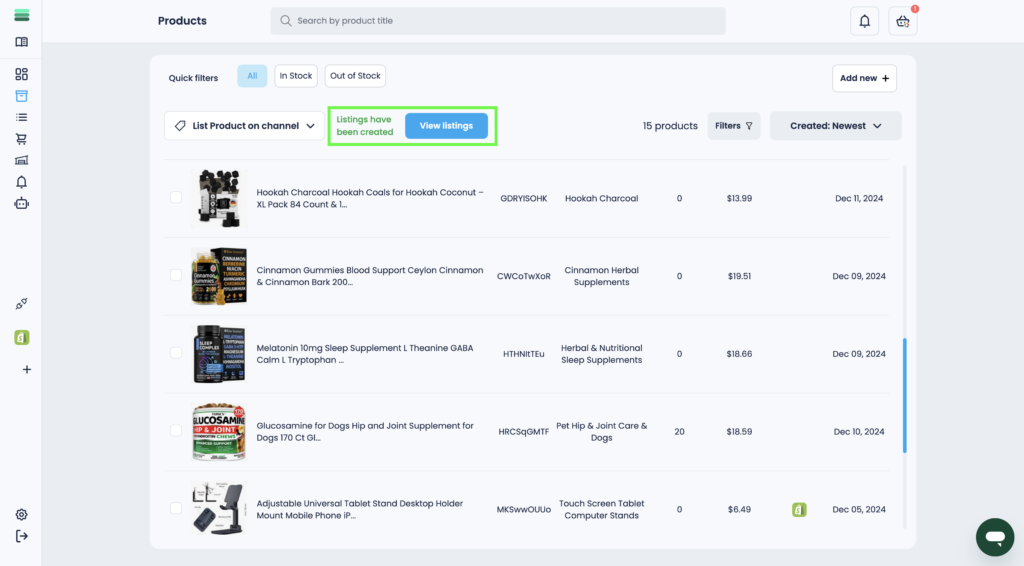
4. Your draft listing will be generated in a few seconds.
Final Thoughts:
Congratulations!
Your product is now saved as a draft listing. Next, let’s complete and publish it.