Introduction:
In this step, you will learn how to create an account on Mysellerhub and gain access to all platform features.
In this section, you will learn:
- How to sign up for an account.
- What information is required for registration.
- How to verify your email and complete the setup.
Stages of the process:
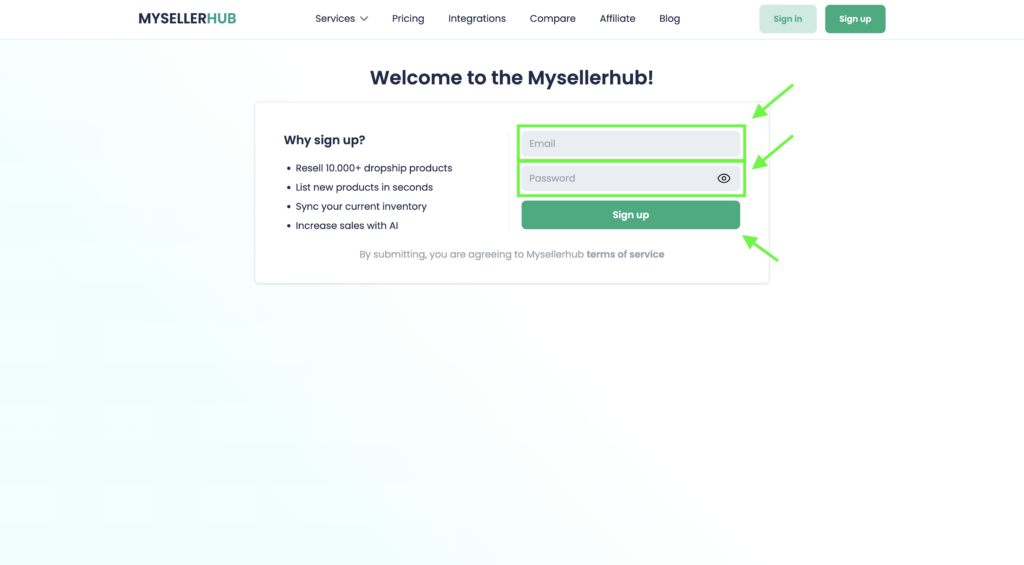
1. Go to the Mysellerhub website and click on the Sign Up button.
2. Enter your email address, come up with a password and press the Sing up button.
3. Check your inbox for a confirmation link and click on it to confirm your account.
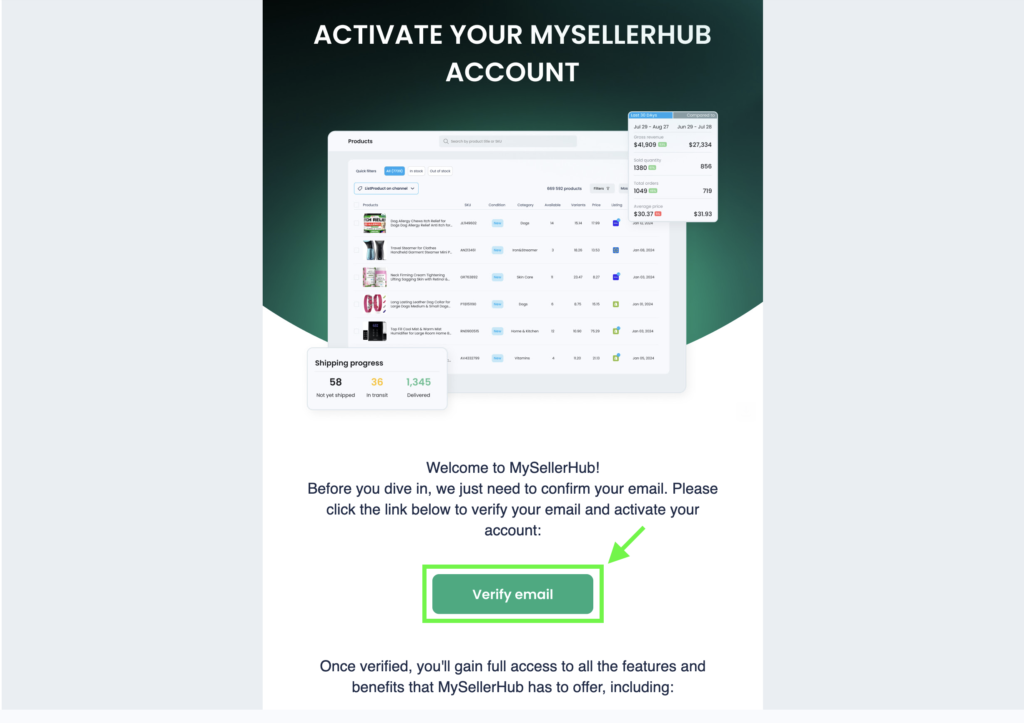
Tip: If you don’t receive a confirmation email within a few minutes, check your spam folder or request a new confirmation email.
Final Thoughts:
Congratulations!
You have successfully created your account on Mysellerhub. Now proceed to the next step to customize your profile and connect your store.