Introduction:
In this article, you will find out where to look at the history of AI work.
In this section, you will learn:
- How to view the history of title generation.
- How to view the history of description generation.
- How to view the history of highlights generation.
Stages of the process:
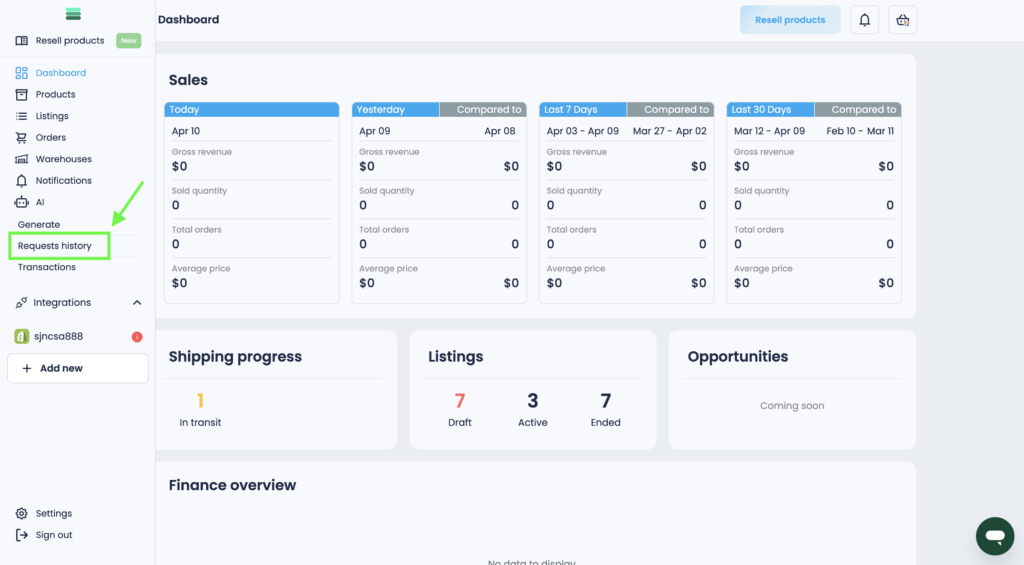
1. Open the side menu and go to the Requests history section.
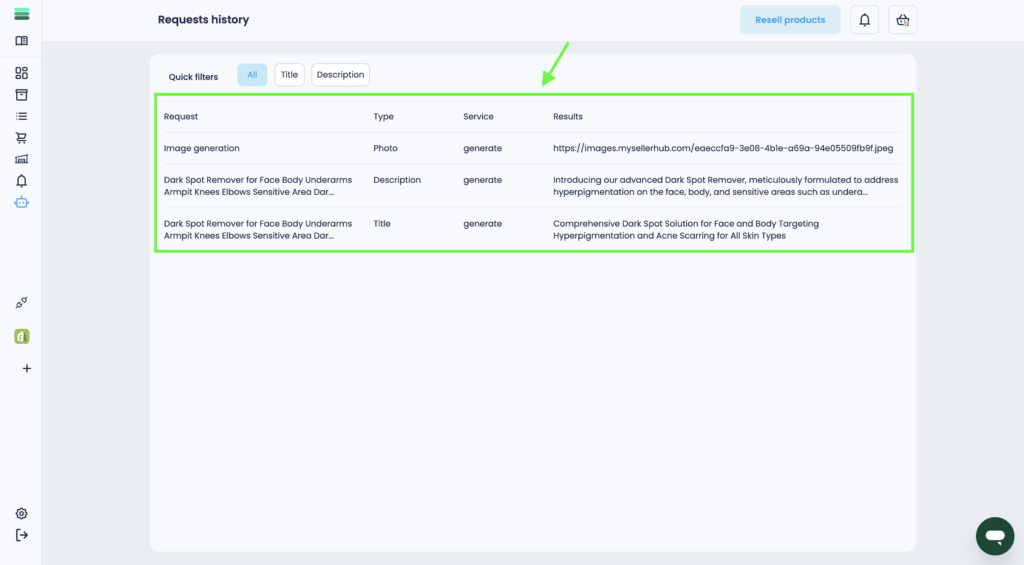
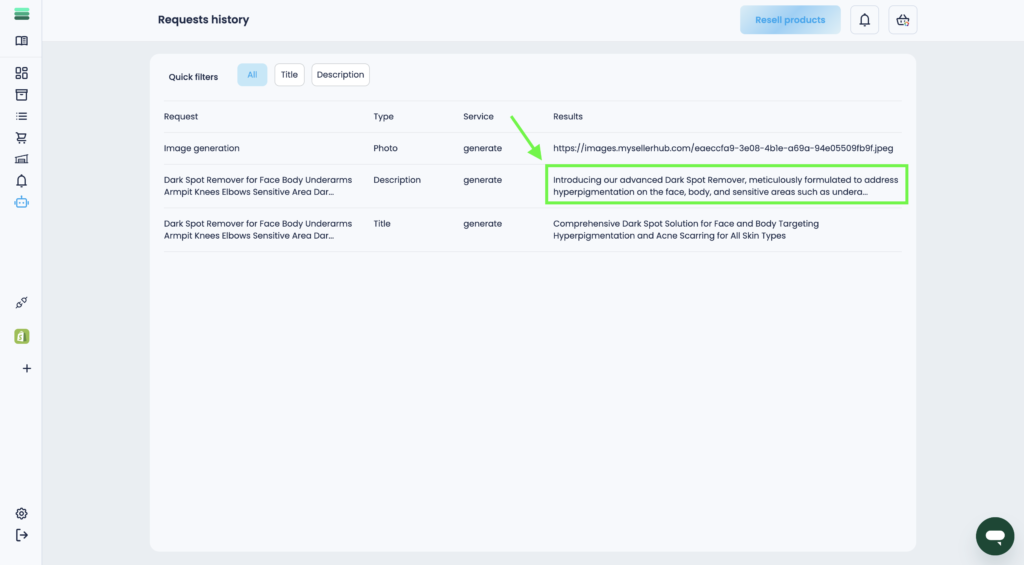
2. You will see a table with all your requests of different types.
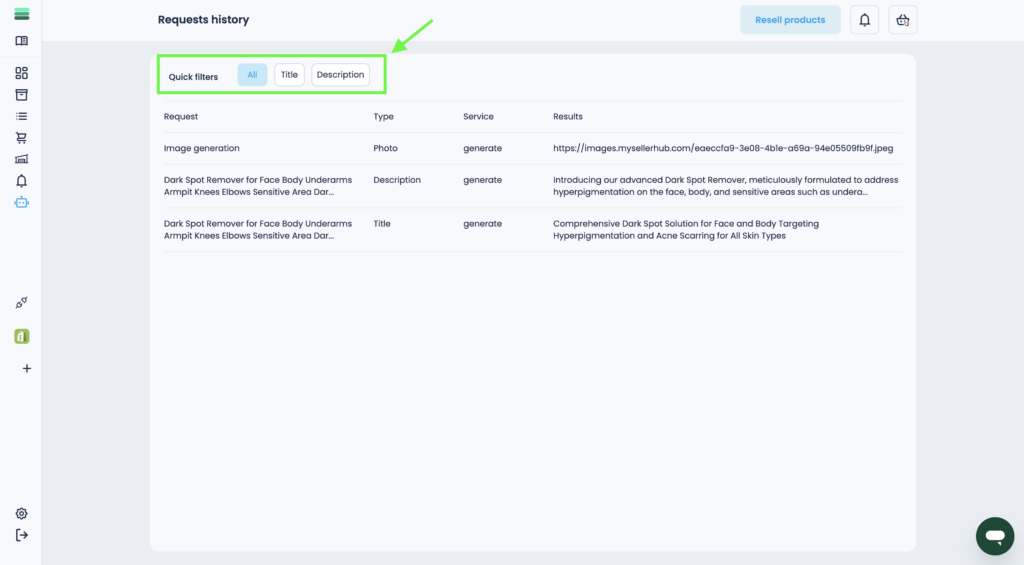
3. You can also use quick filters if you want to see only 1 type of request.
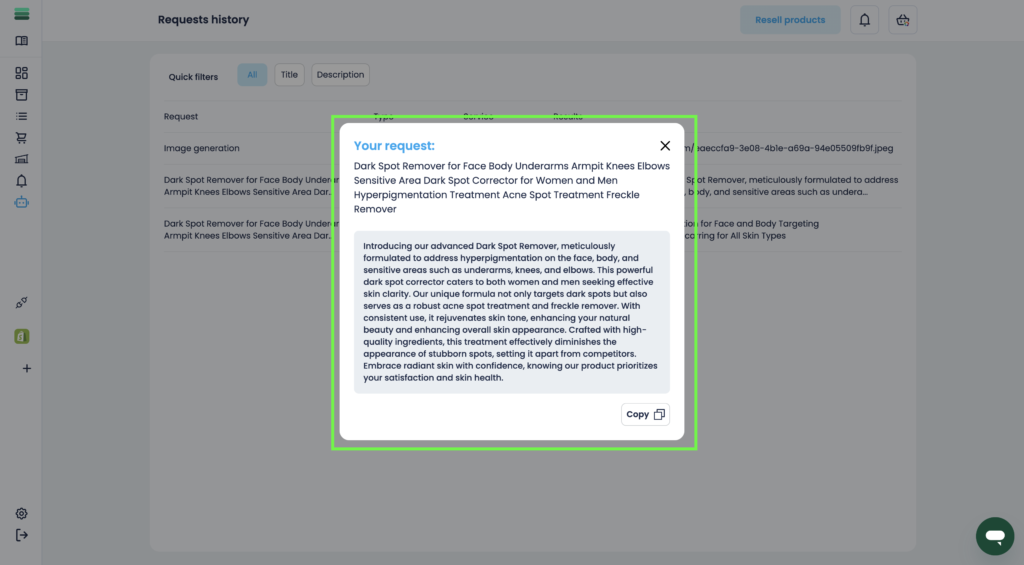
4. To see the completed request in more detail, click on any sentence in the column Results.
5. You will see a pop-up window with the full request and the result, which you can copy and reuse.