Introduction
In this article, you will learn how to generate listing descriptions using AI.
In this section, you will learn:
- How to generate descriptions with AI
Stages of the process:
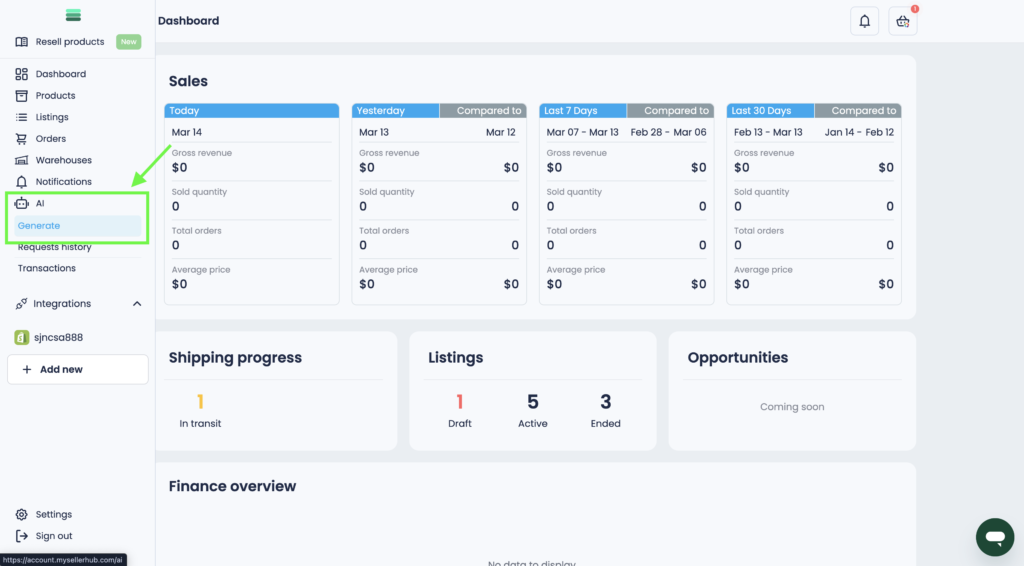
1. In the side menu, open the Generate tab in the AI section.
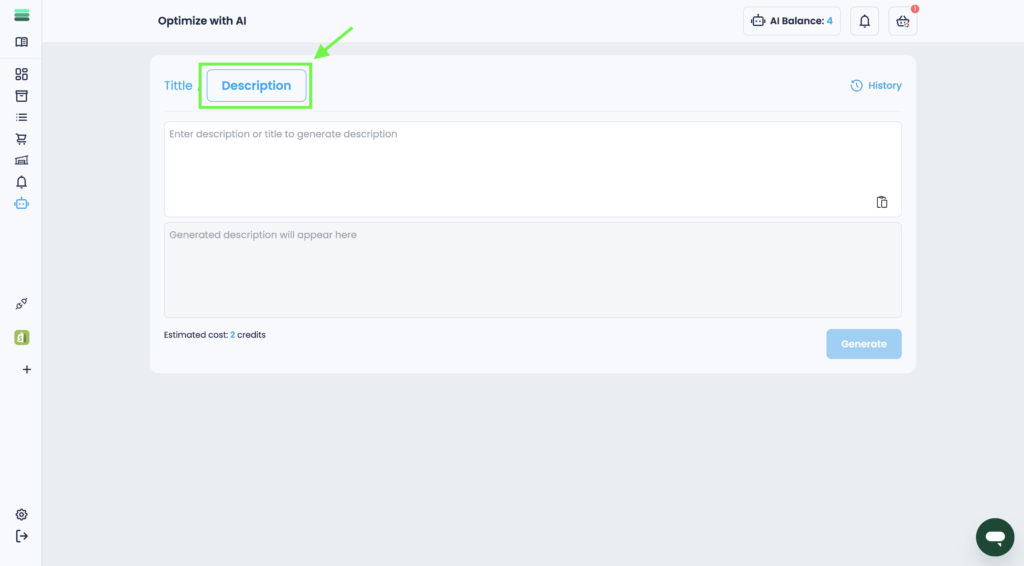
2. Select the Description tab.
3. Insert the title or description from the listing you want to modernize in 1 field.
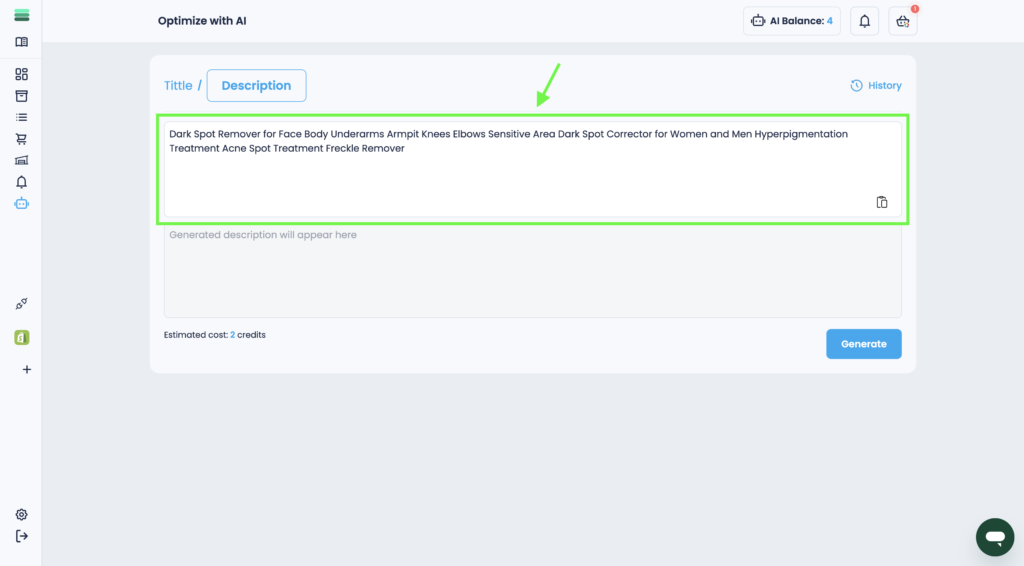
4. Click the Generate button.
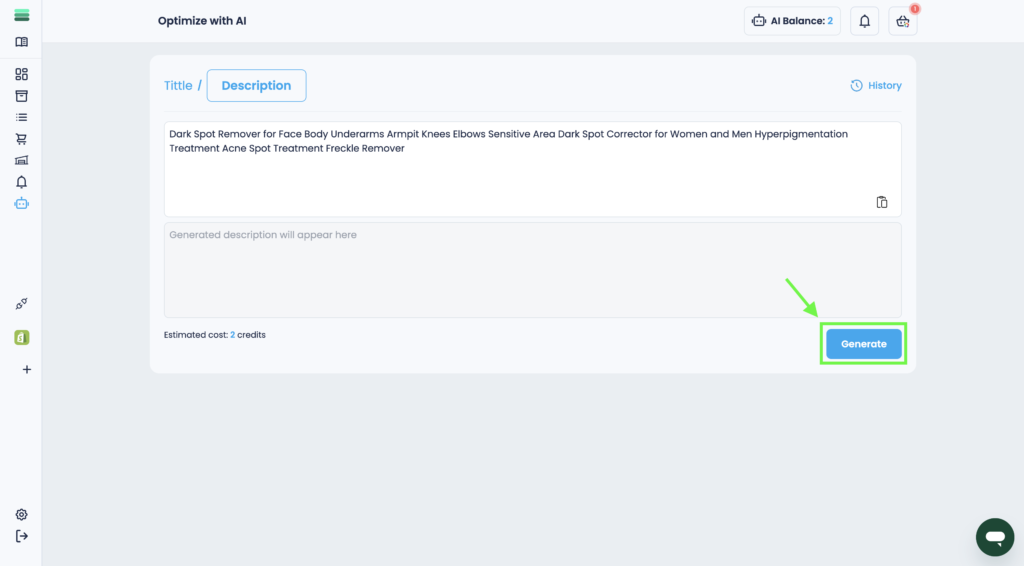
Tip: Pay attention that the price of generating a description is 2 credit.
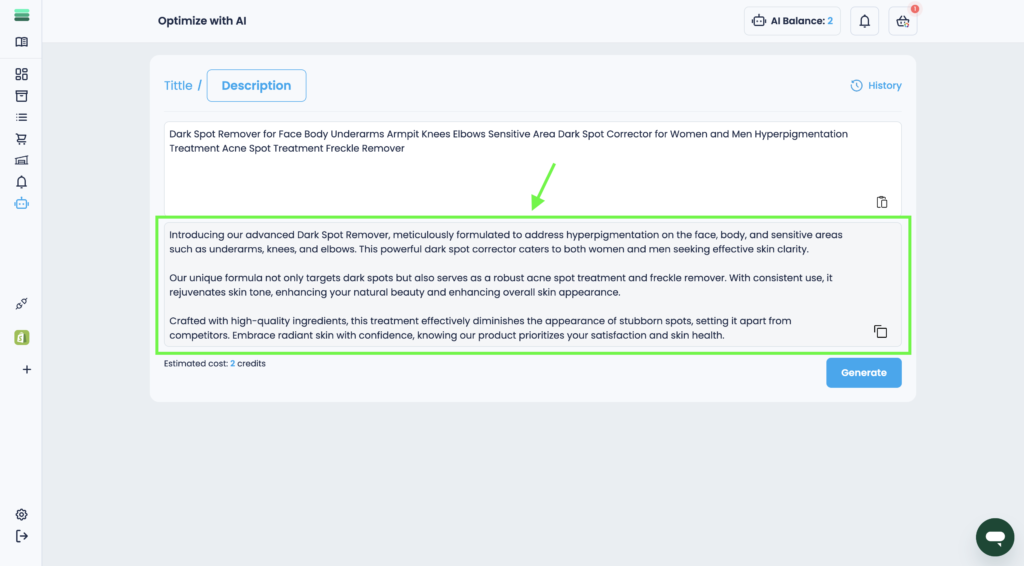
5. In a few seconds you will get a ready result that can be copied and used for your needs.